Mirai — Pi-hole Default Creds to USB Device Forensics Root
OS
Linux
Difficulty
Easy
Category
LINUX
Released
2017.09.01
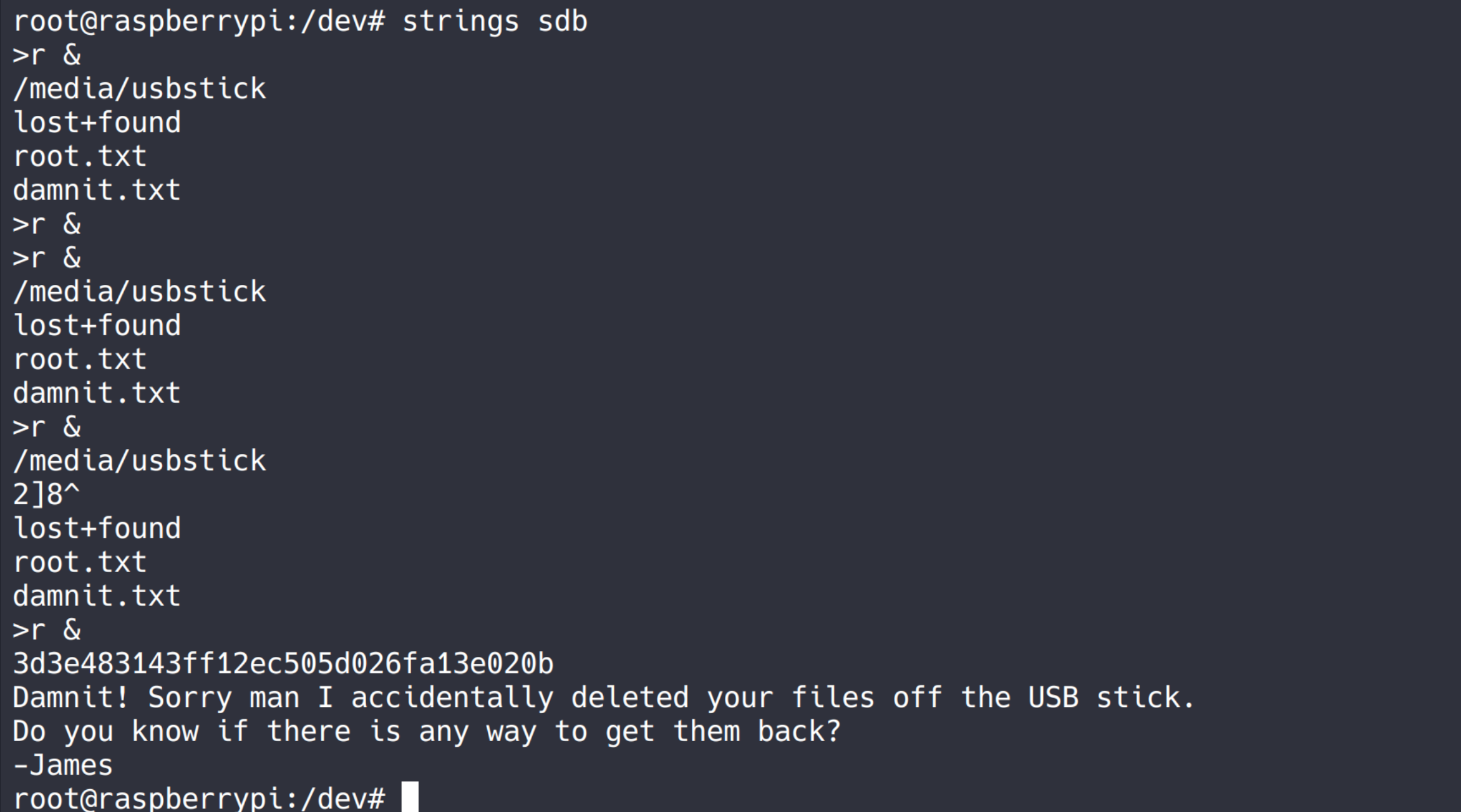
Identified a Raspberry Pi running Pi-hole and logged in over SSH with the default pi:raspberry credentials. Escalated via unrestricted sudo, then recovered the deleted root flag from the /dev/sdb USB block device with strings.
Want to try this box yourself?
Spoiler-free mode is on by default — every solution stays hidden behind a reveal. Peek the hints, attempt each step, then unlock the answer when you're stuck. Turn it off to read every solution inline.
Nmap
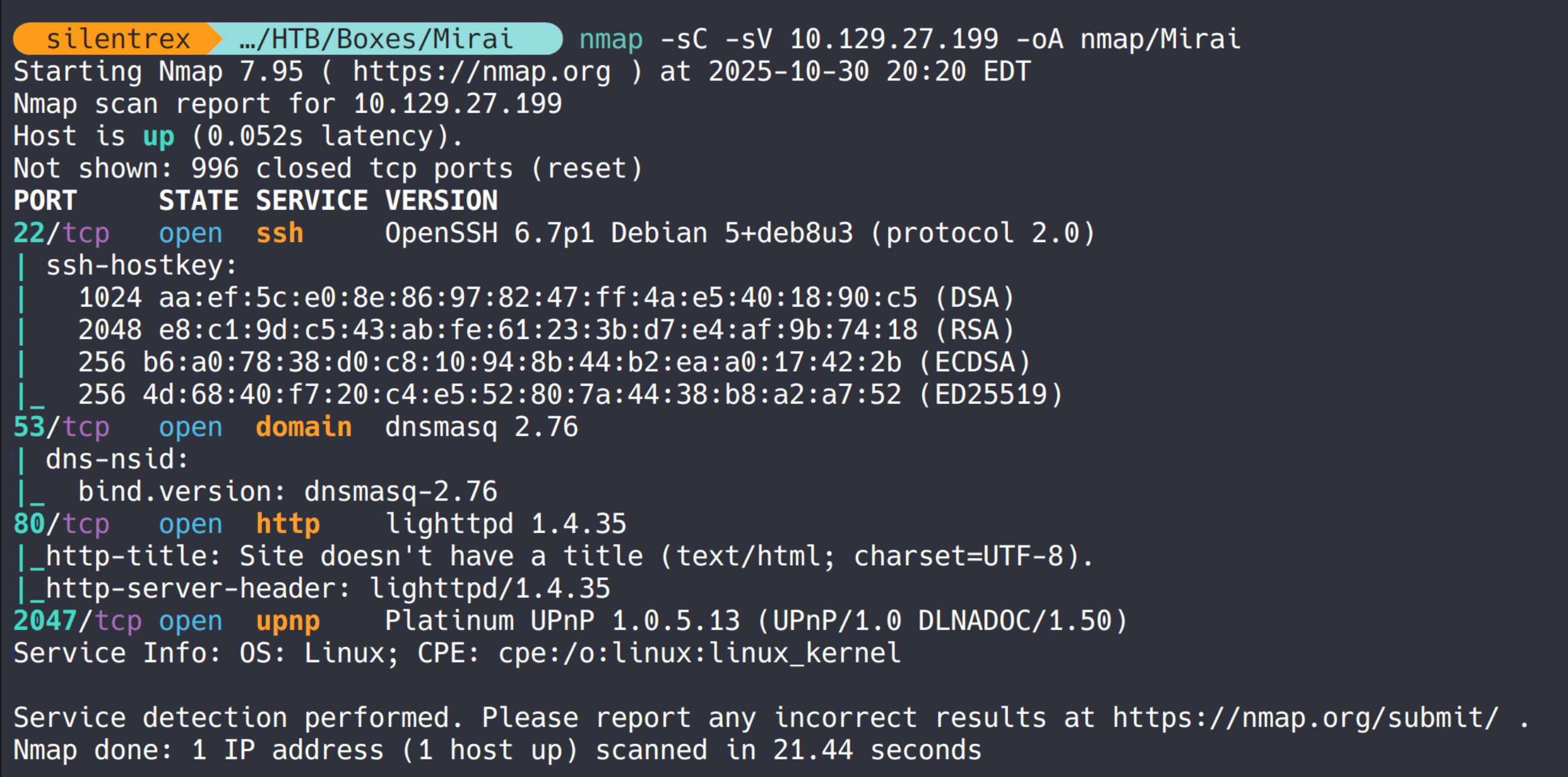
The service on port 53 looks interesting.
Foothold
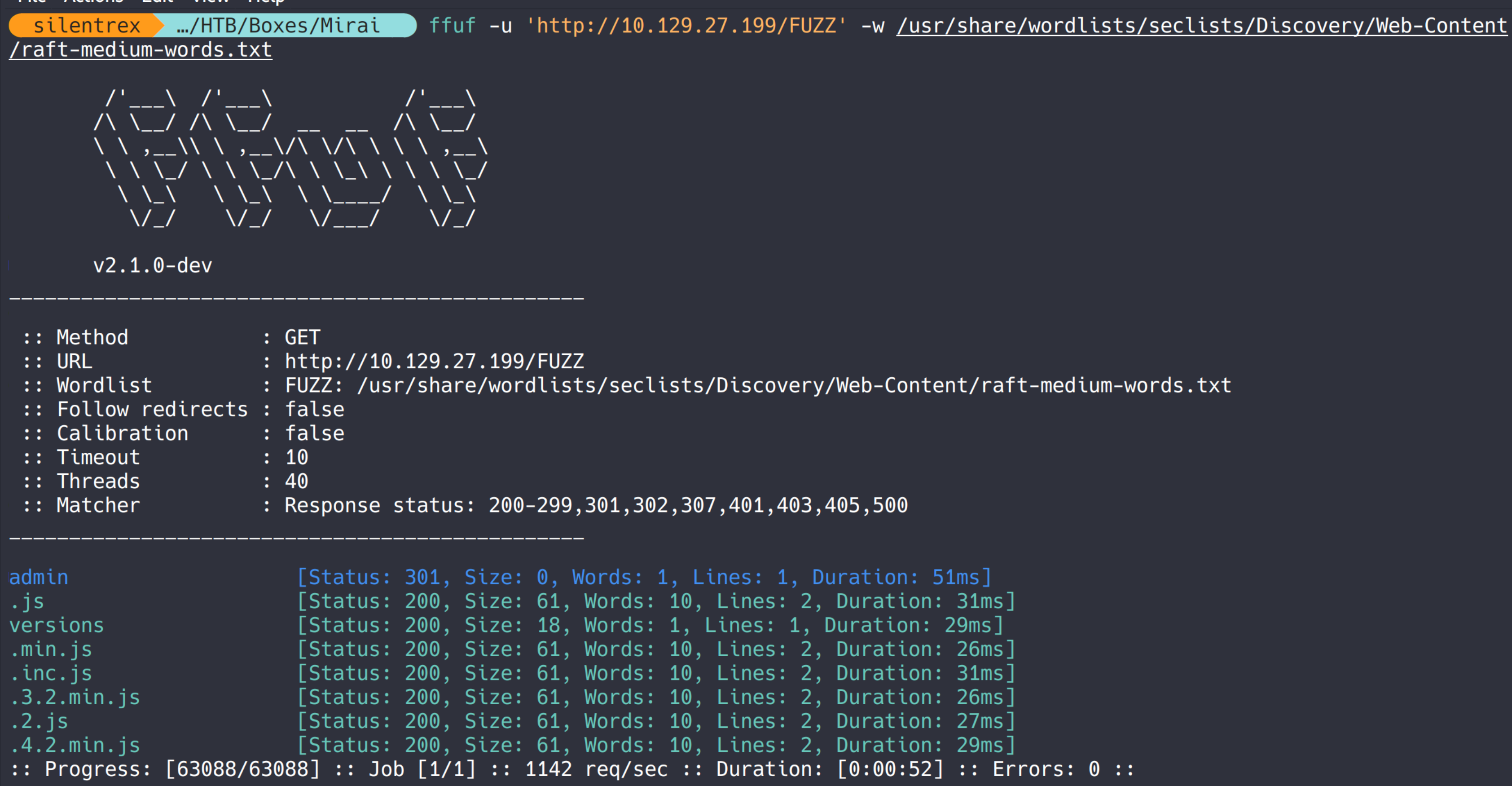
Going to the /admin subdirectory shows a Pi-hole admin dashboard, so this must be a Raspberry Pi device.
The default credentials for this are pi:raspberry.
We SSH into the machine with these credentials, get a shell, and find the user flag.

Privilege Escalation
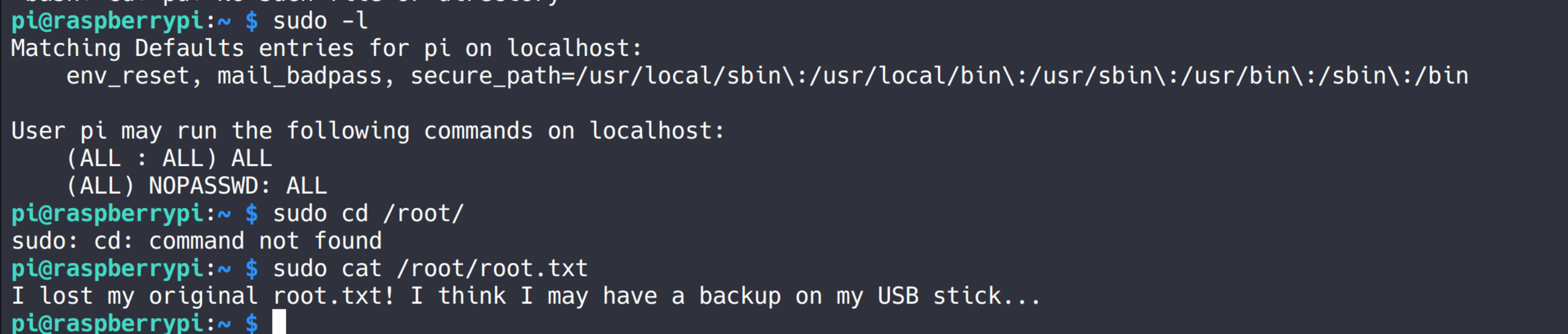
Using sudo -l, we find that the user pi can run all commands with sudo.
Looking at the root.txt file, we find that the root flag might be on a USB stick.
On the USB stick we find a file that says:
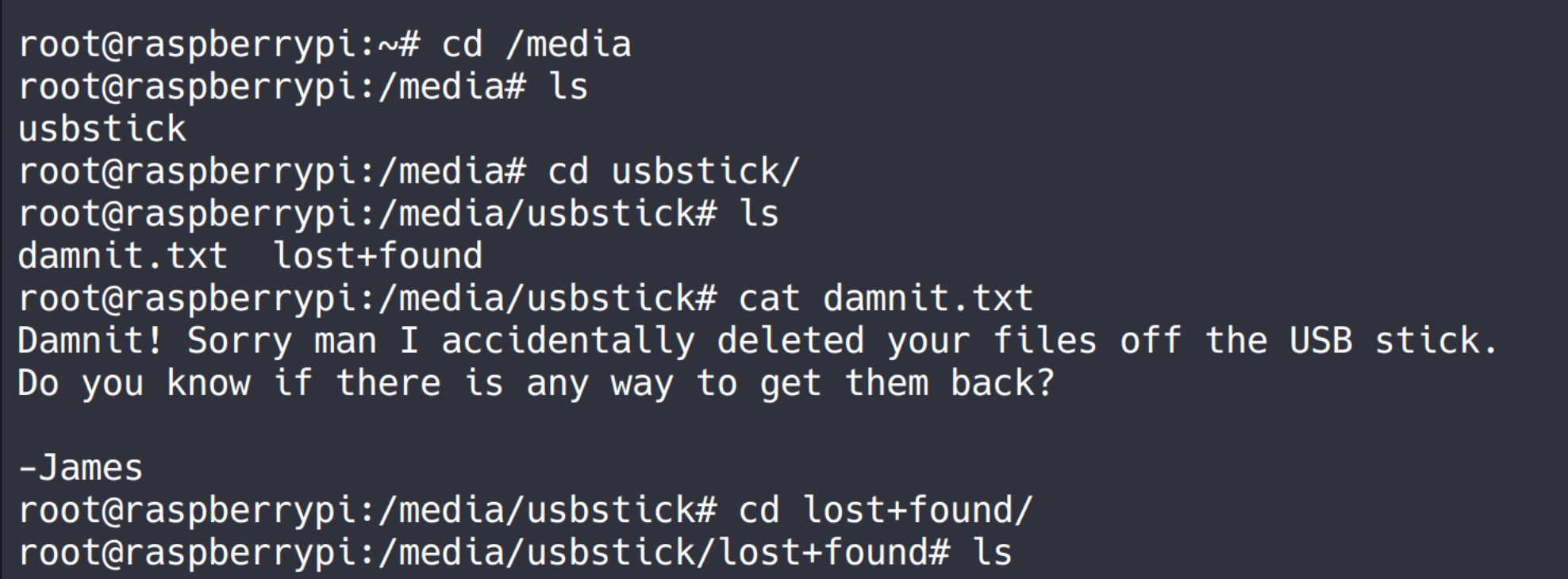
We find the root flag in the sdb file in the /dev directory. The file itself is not human-readable, but we can use the strings command to make it human-readable.